CoreFitness
Register as a new member (I’m new)
Who this is for: Members at the kiosk
Members at the kiosk
Tap I’m new.
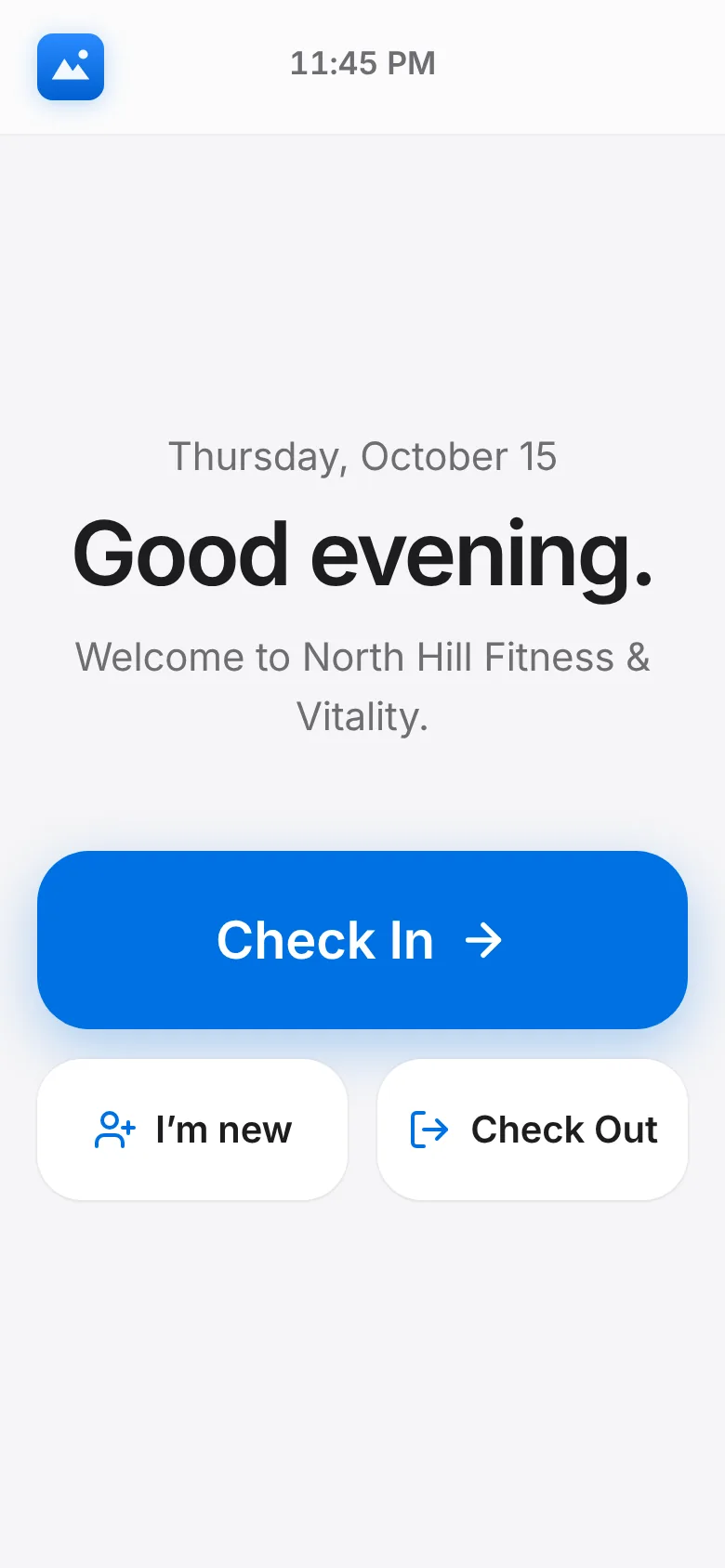
Choose I live here or I’m a guest. Enter your full name, an email or phone, and your apartment (guests: the resident you are visiting).
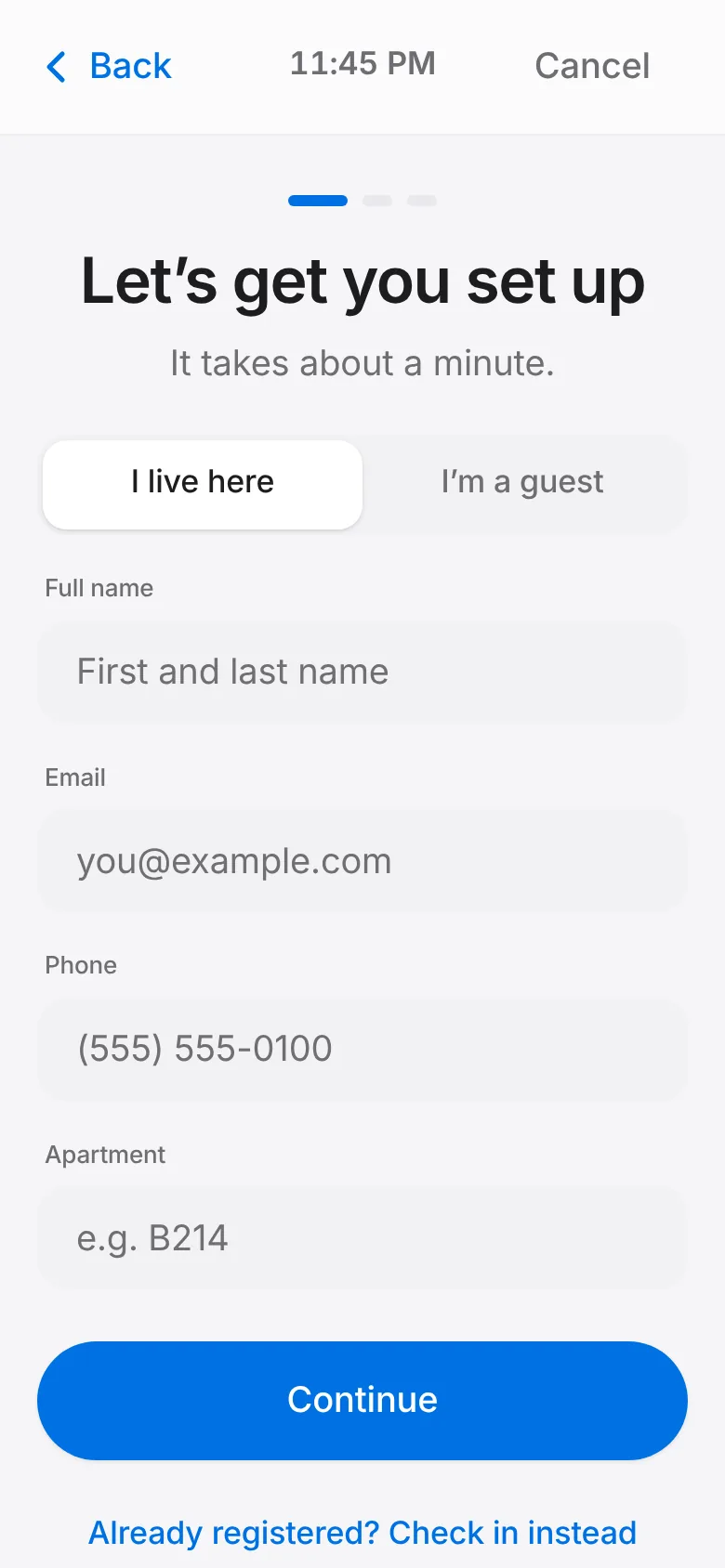
Tap Continue, then Take photo. The photo is used for face check-in; tap Retake if you don’t like it.
Read the waiver, sign in the box with your finger, tick the agreement and tap Finish registration.
You get a QR pass. Tap Save pass image to keep it on your phone, then Check in now or Finish.