PurposeFULL Connection
Chat with your group
Who this is for: Resident volunteer, Community volunteer, Staff, Admin
Resident volunteerCommunity volunteerStaffAdmin
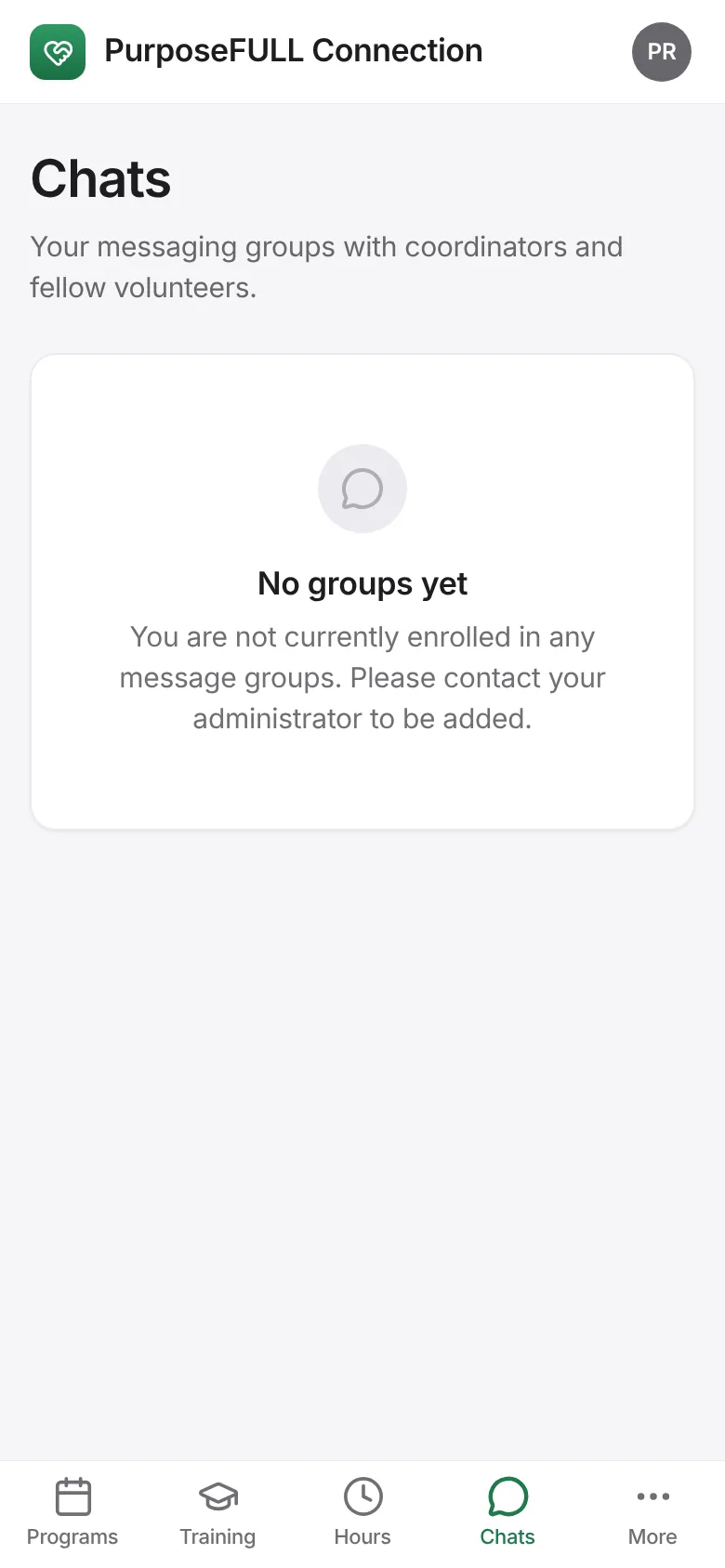
Tap Chats. Groups you have been added to are listed; ask your coordinator to be added to one.
Open a group, type in the Message box and tap Send. New messages appear within a few seconds.
All PurposeFULL Connection guides PurposeFULL Connection FAQ