PurposeFULL Connection
Switch on dark appearance
Who this is for: Resident volunteer, Community volunteer, Staff, Admin
Resident volunteerCommunity volunteerStaffAdmin
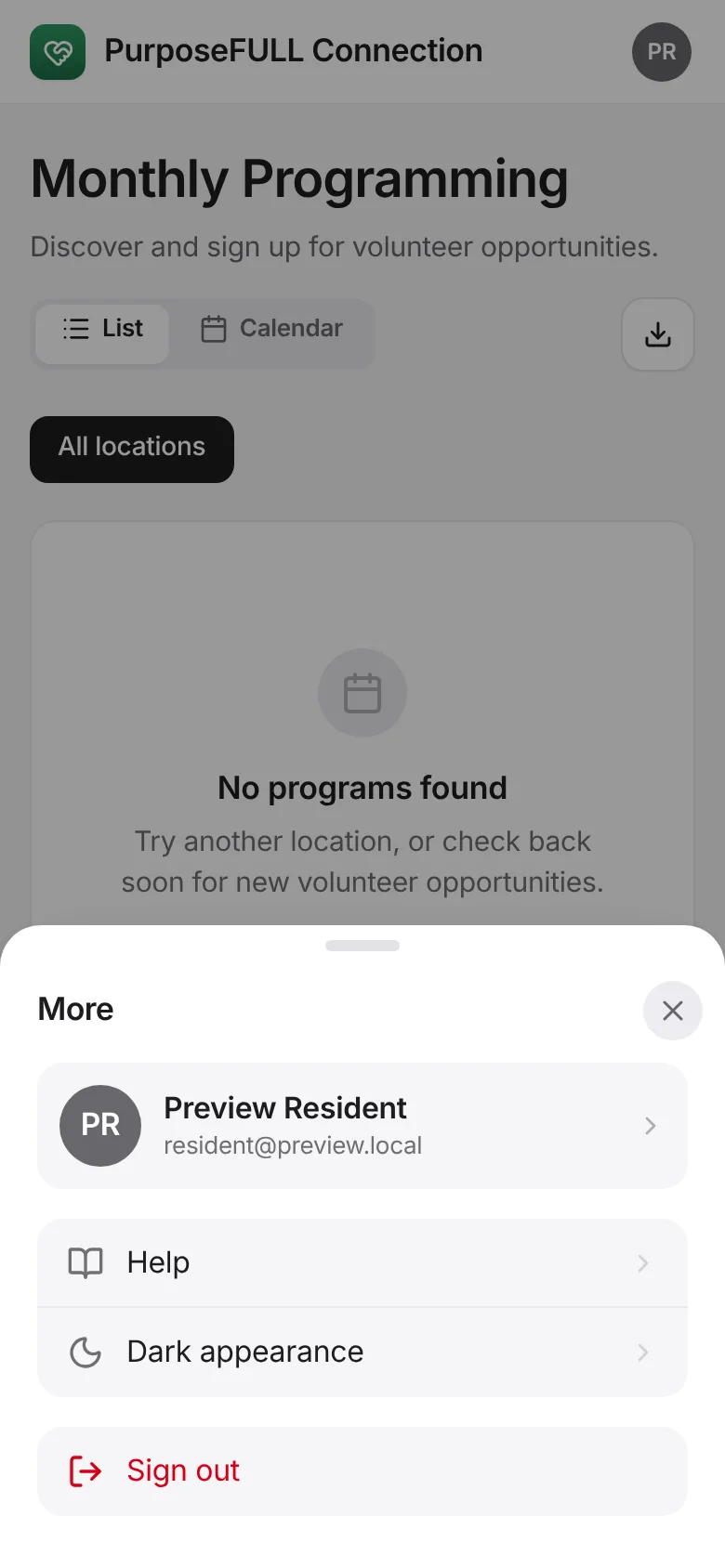
Tap More and tap Dark appearance. Tap again to go back to light.
All PurposeFULL Connection guides PurposeFULL Connection FAQ