PurposeFULL Connection
Getting started as a Community volunteer
Who this is for: Community volunteer
Community volunteer
Volunteers from outside the community apply first. Once staff approve the application the whole app opens up.
Tap Create account, choose Community volunteer, and enter your name, email and a password.
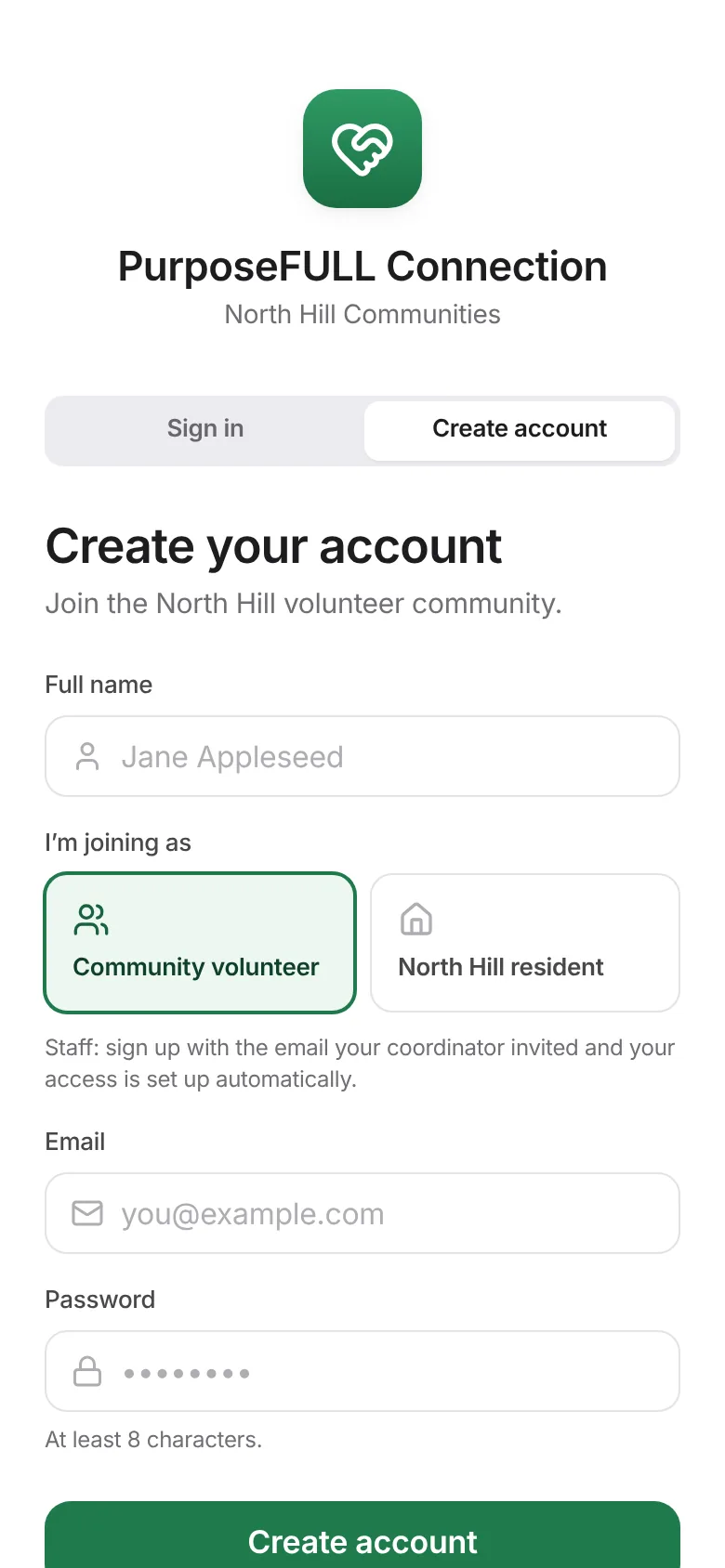
Fill in the short application. Until it is approved you see a waiting screen; you get an email when staff decide.
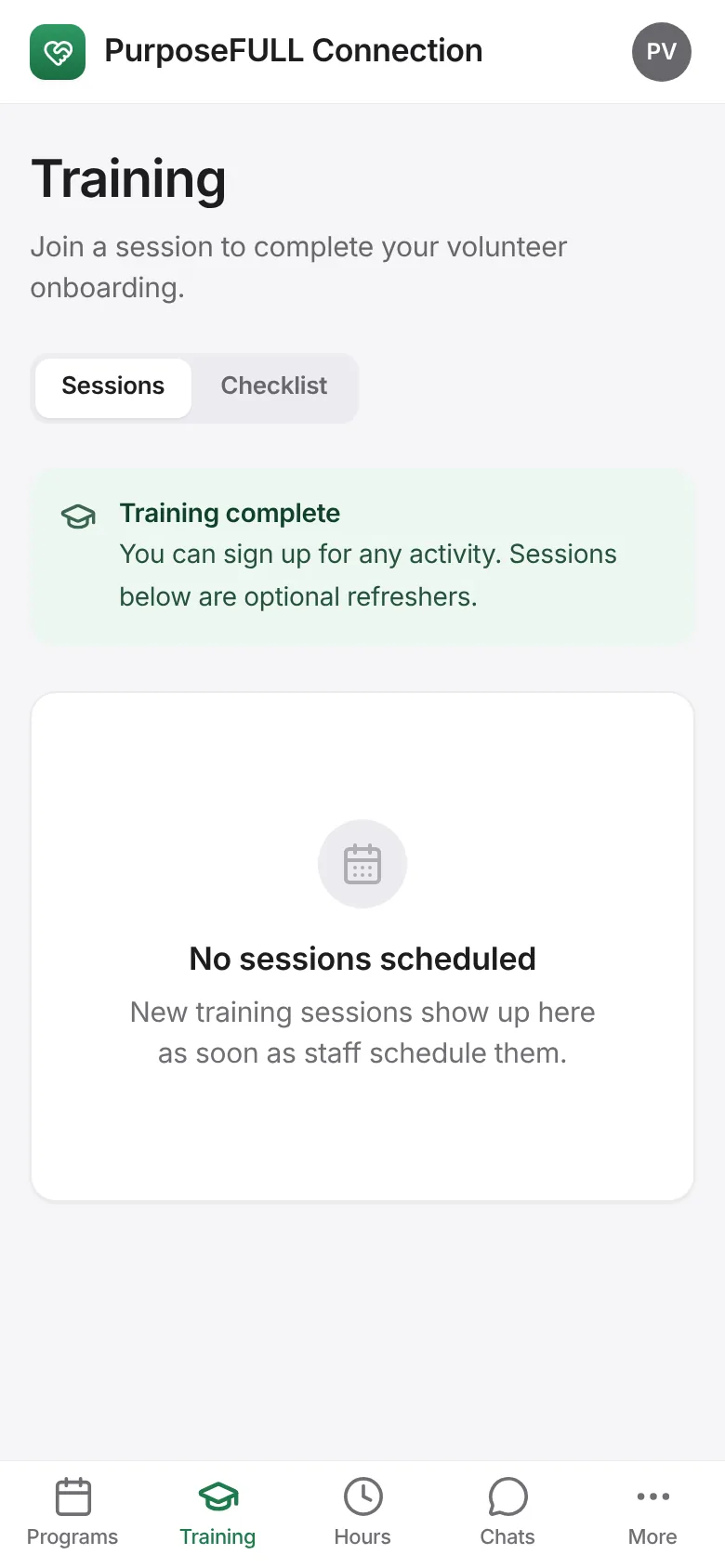
Once approved, complete Training (waivers and an orientation session).
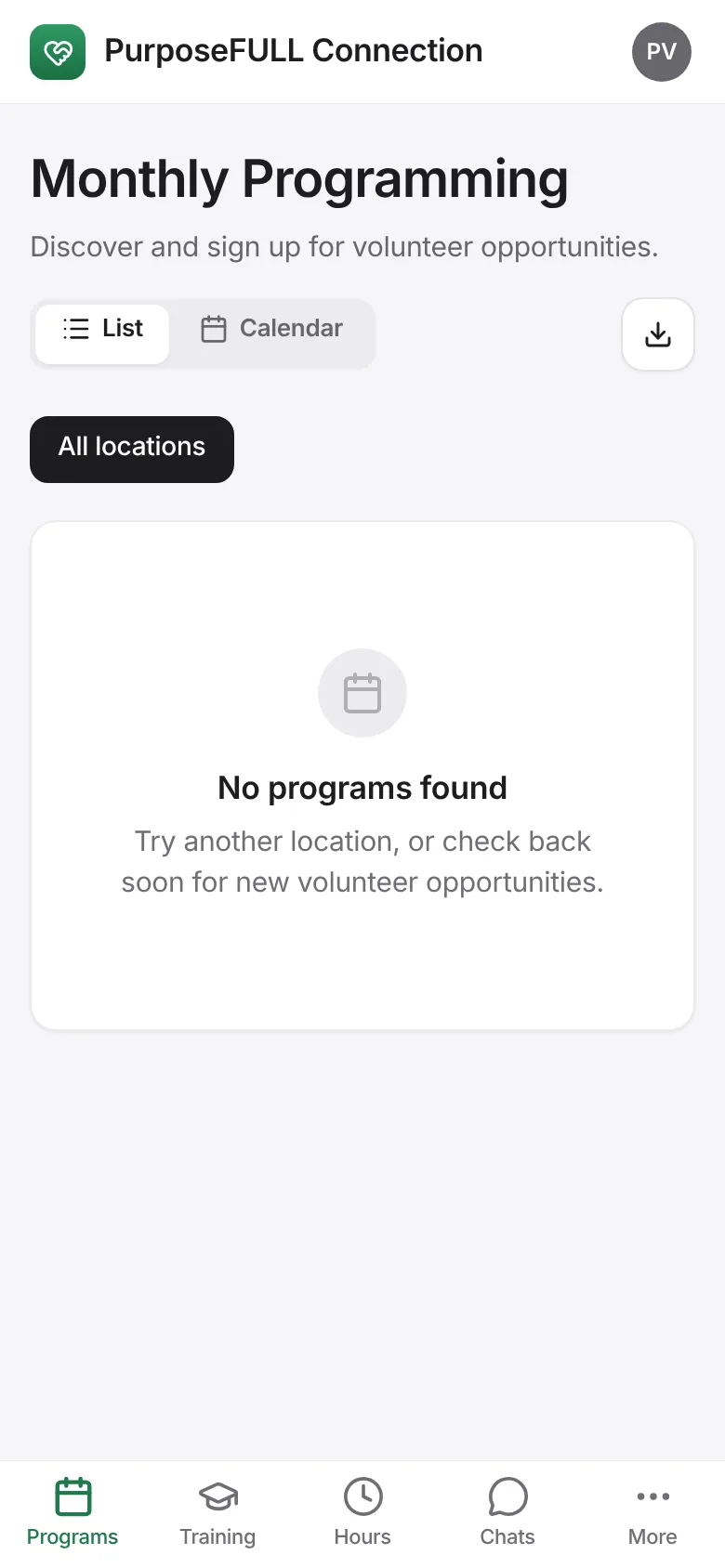
Browse Programs and sign up; show your pass at the desk and track your Hours.
All PurposeFULL Connection guides PurposeFULL Connection FAQ