CoreFitness
See who still needs to sign the waiver
Who this is for: Staff, Admin
StaffAdmin
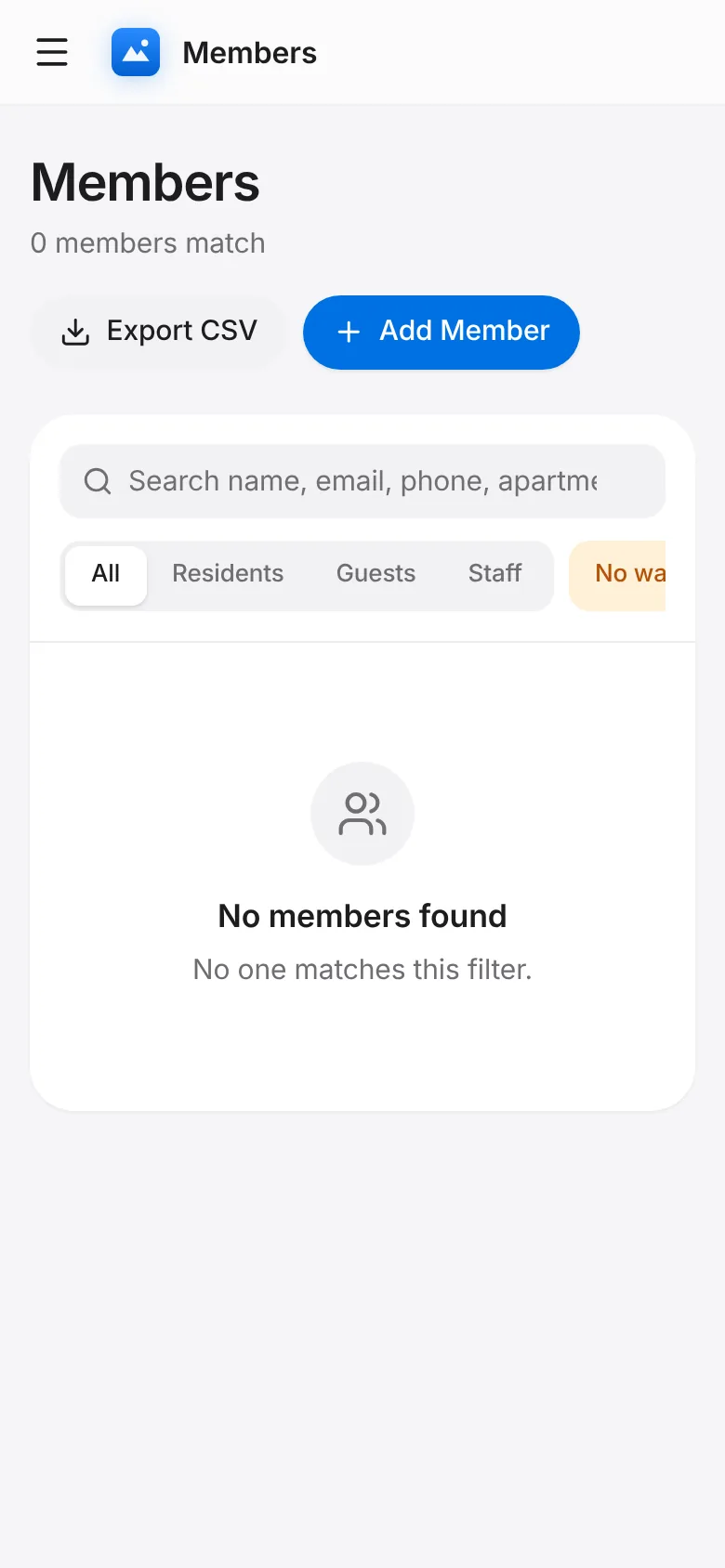
Tap Members and choose the No waiver filter, or tap the waivers number on Overview.
The kiosk asks these members to sign at their next check-in. You can also open the member and record it from the desk.