CoreFitness
Open the kiosk on the front-desk iPad
Who this is for: Staff, Admin
StaffAdmin
Open the CoreFitness address on the iPad. The welcome page offers the Check-in Kiosk and the Staff Console.
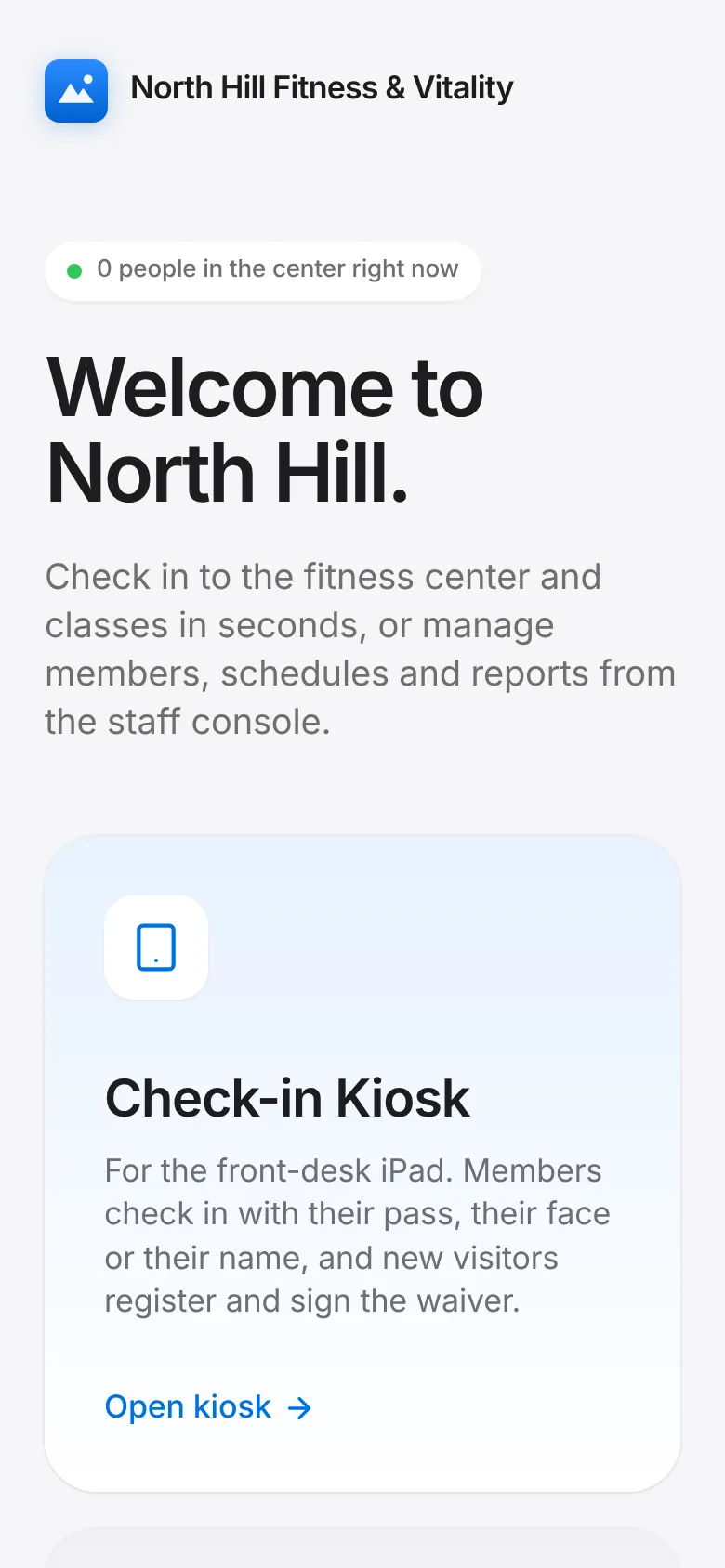
Tap Open kiosk. The kiosk shows the time, a greeting and three big buttons.
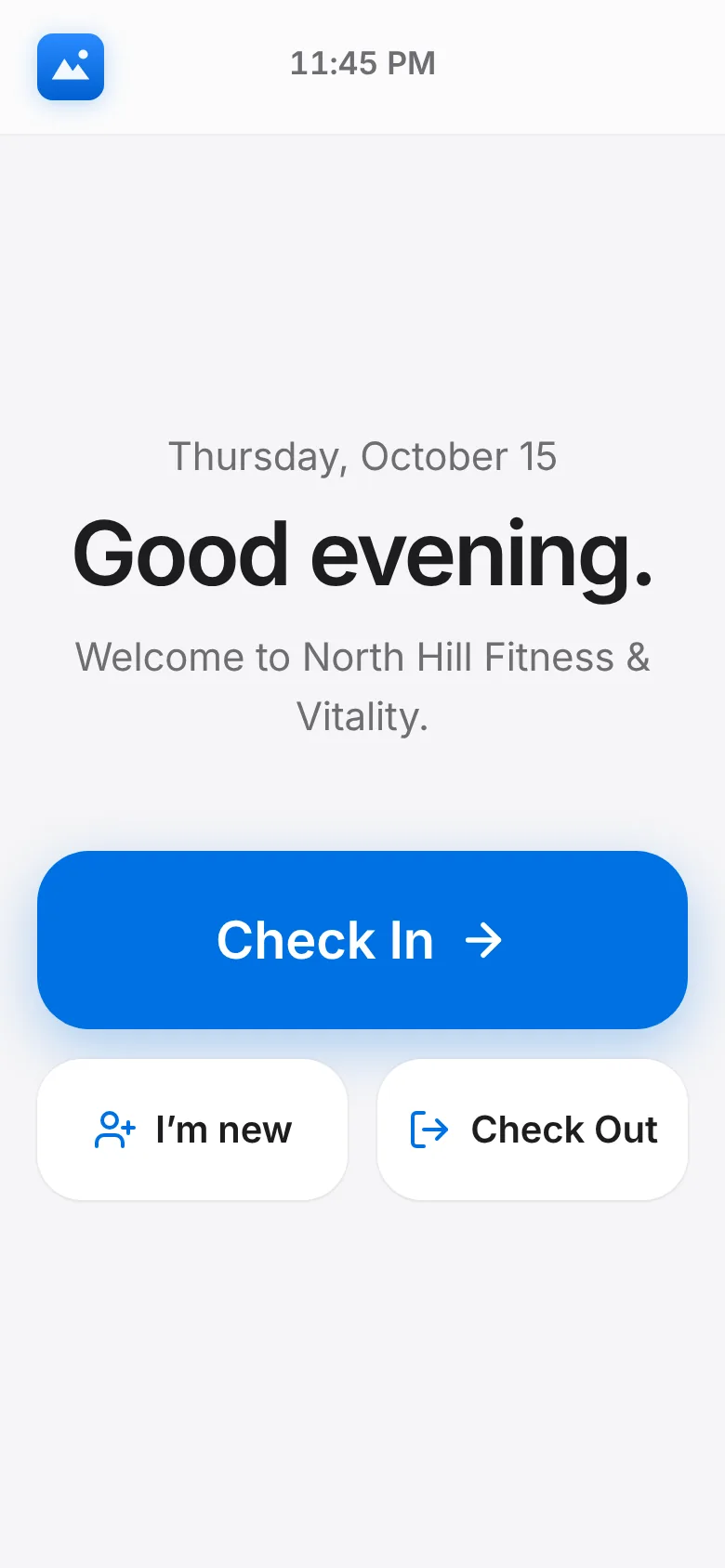
Add it to the iPad home screen (Share → Add to Home Screen) so it opens full screen. Tap Exit kiosk in the corner to get back to the welcome page.