Guest Suite
Book a guest suite
Who this is for: Admin, Manager, Concierge
A booking takes about two minutes. The app checks that the suite is free and prices the stay for you.
On Today tap + New booking (or Book on a suite card).
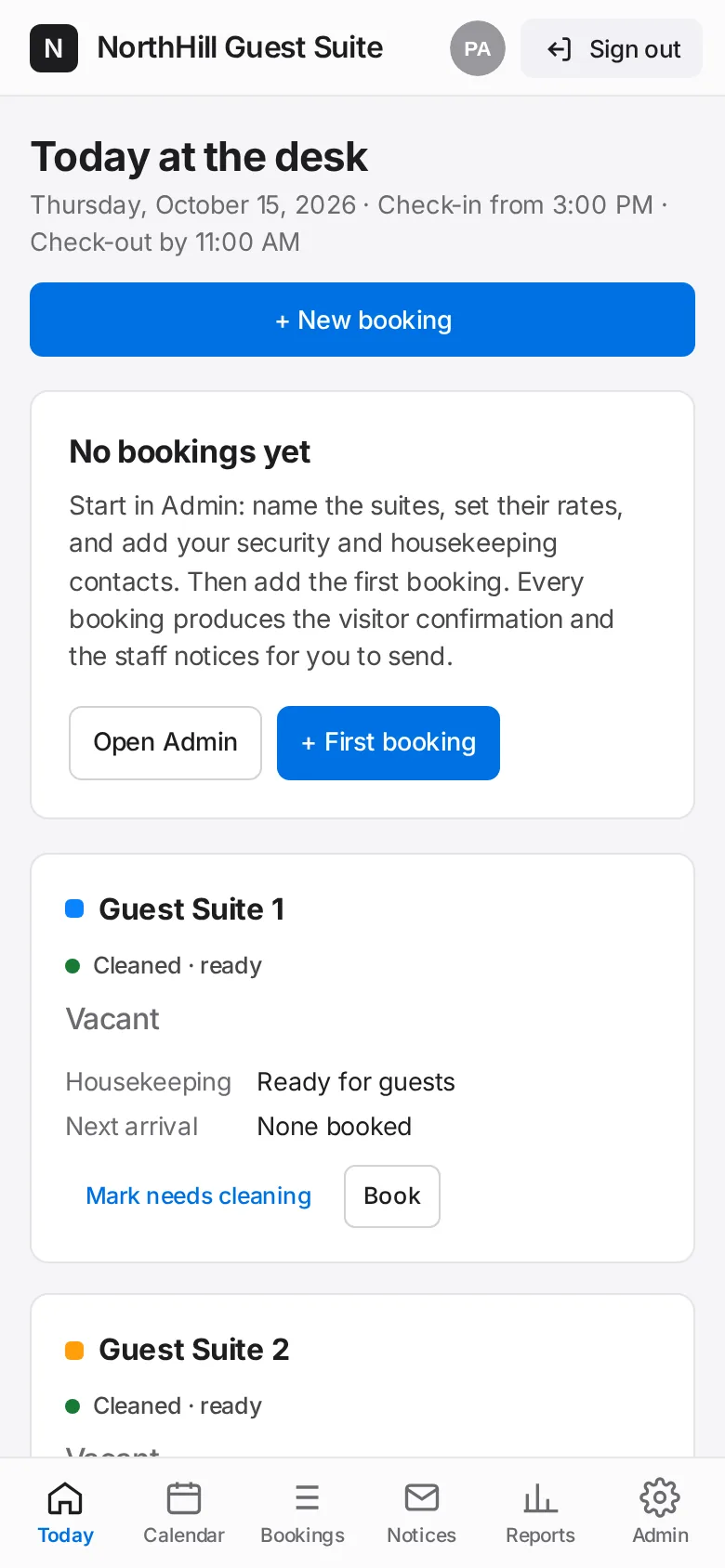
Pick the Suite, the Arrival and Departure dates and the expected arrival time. Enter adults and children.
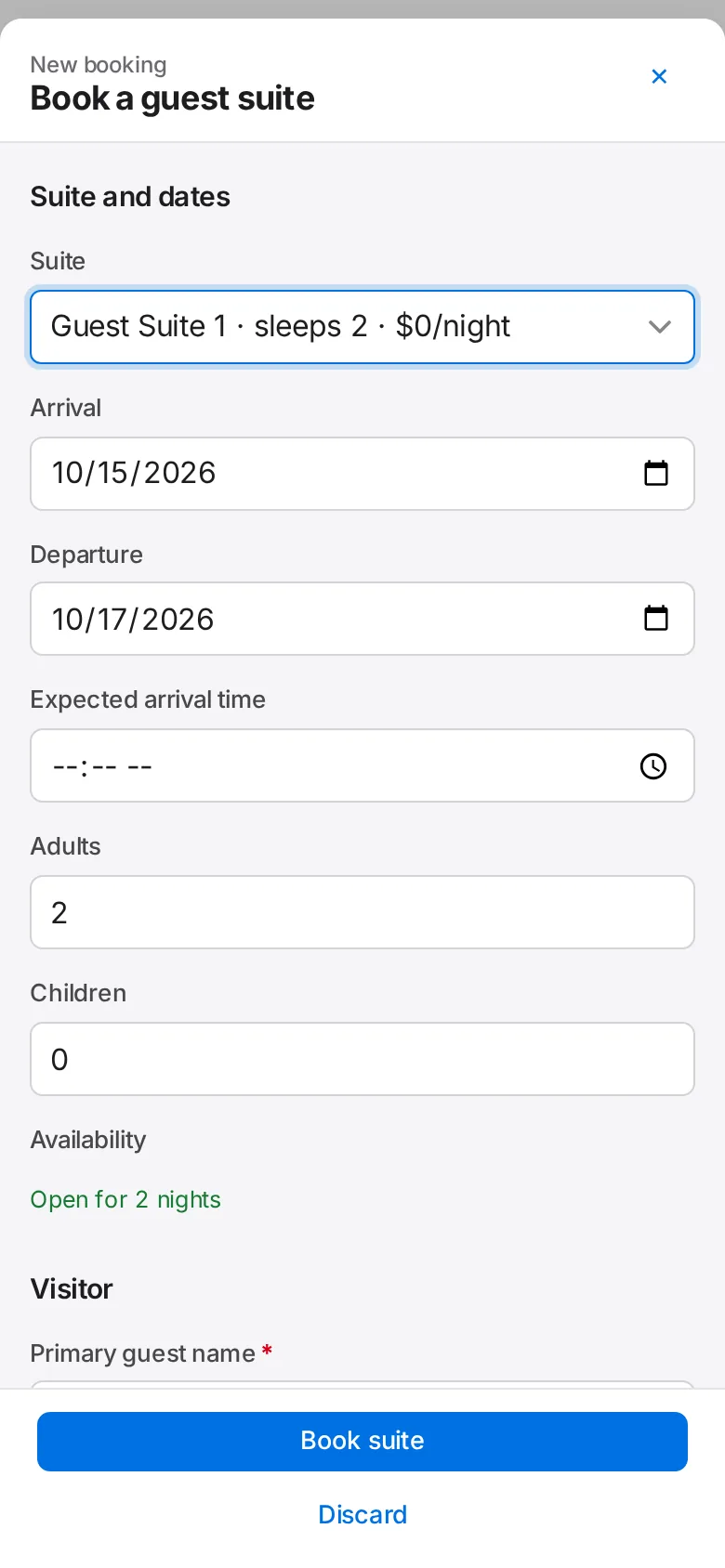
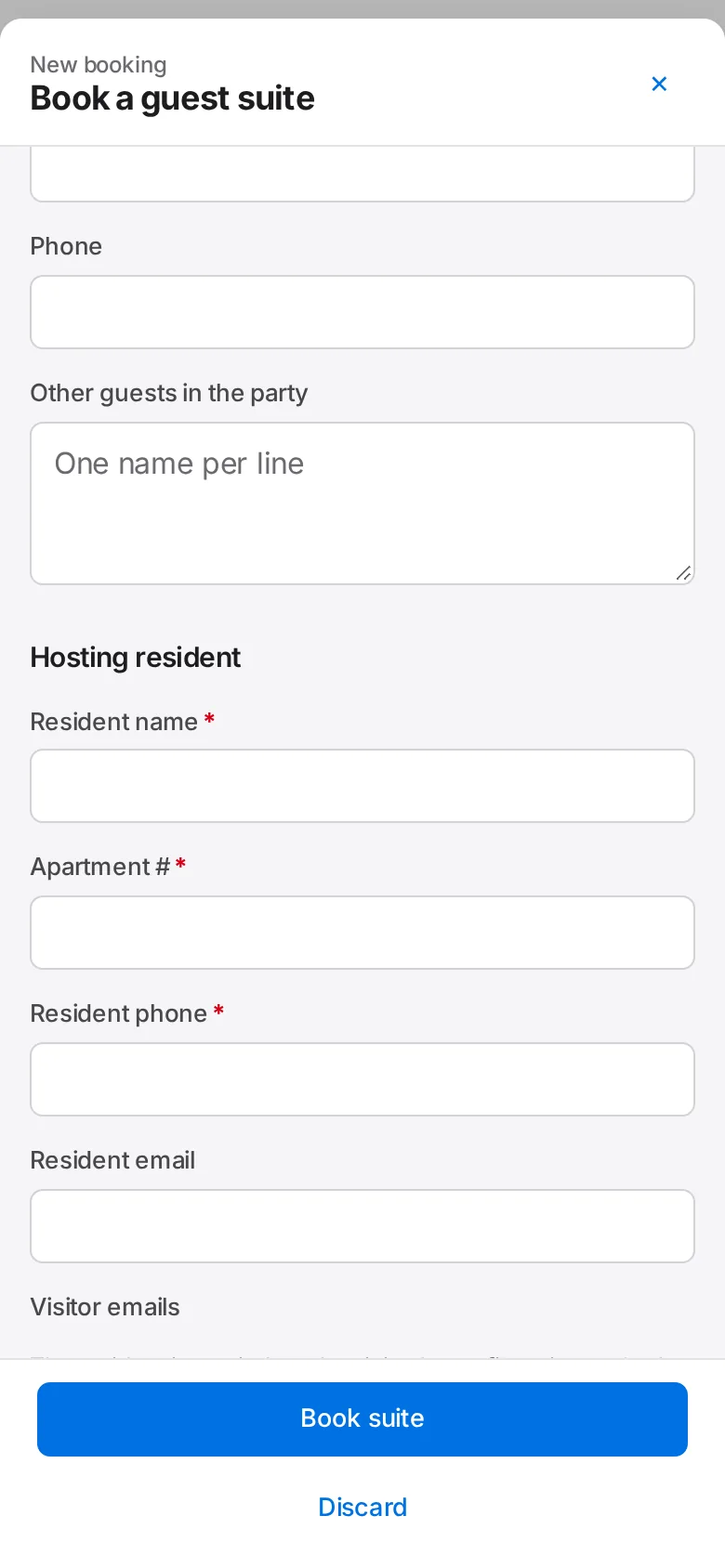
Enter the primary guest’s name, relationship to the resident, email and phone, and any other guests in the party.
Enter the hosting resident’s name, apartment number and phone. Add vehicle and plate if they need a visitor space.
Tick any extras (crib, rollaway bed, extra linens) and add accessibility needs or notes for housekeeping.
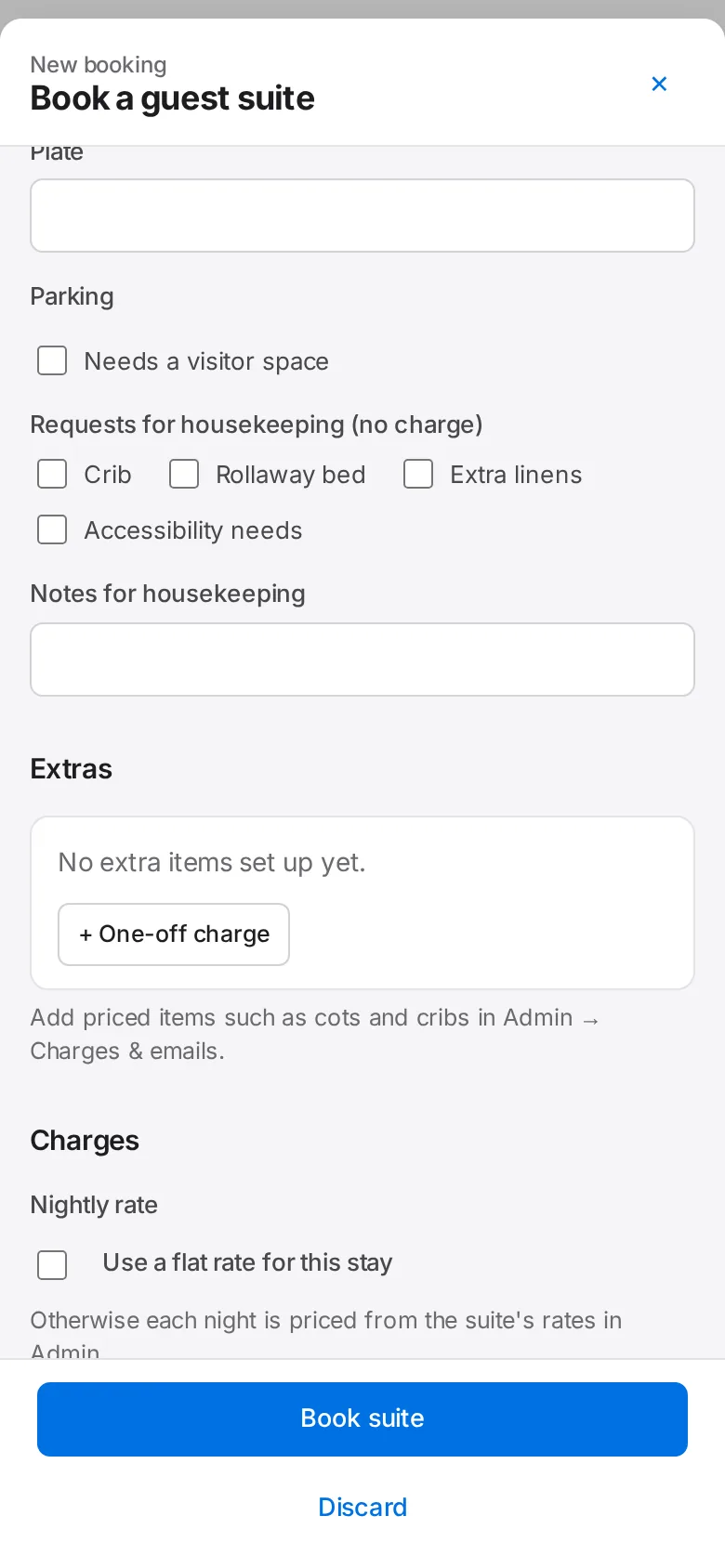
Check the price. The nightly rate, cleaning fee and tax fill in from Admin; add an adjustment or a one-off charge if needed.
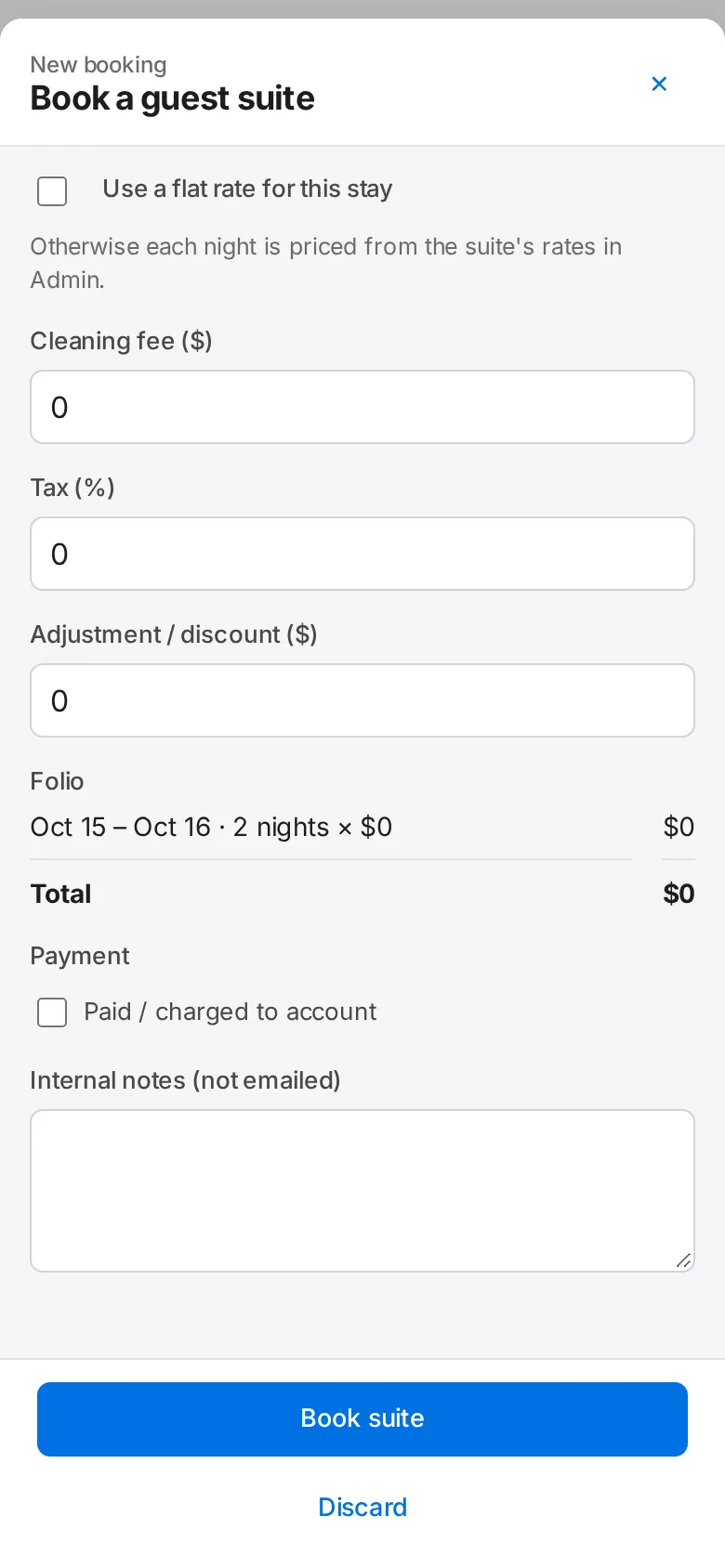
Tap Book suite. The booking appears on Today and the Calendar, and its notices appear under Notices.