Guest Suite
Getting started as an Admin
Who this is for: Admin
You set the desk up once; after that the front desk runs on its own. Plan on about 20 minutes.
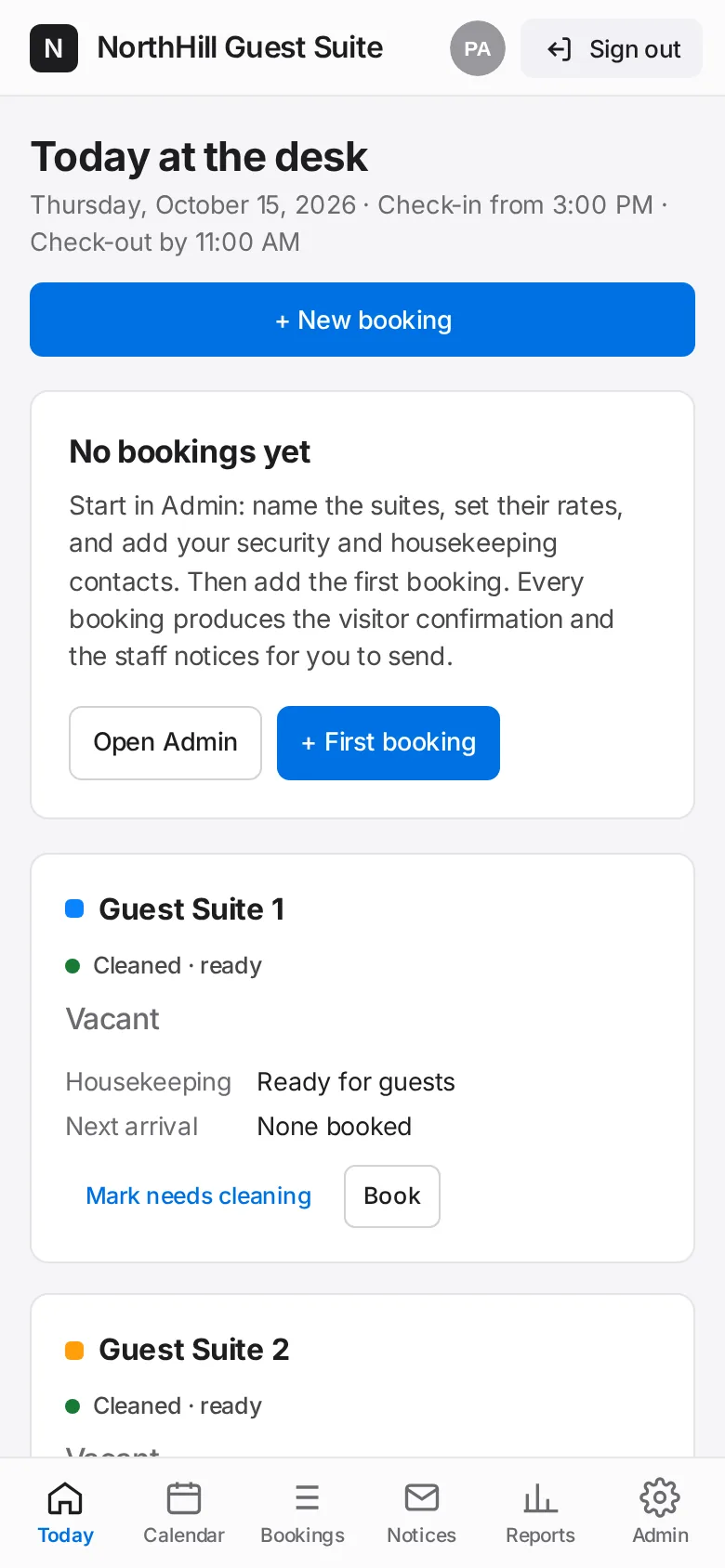
Sign in with your admin account. The desk opens on Today.
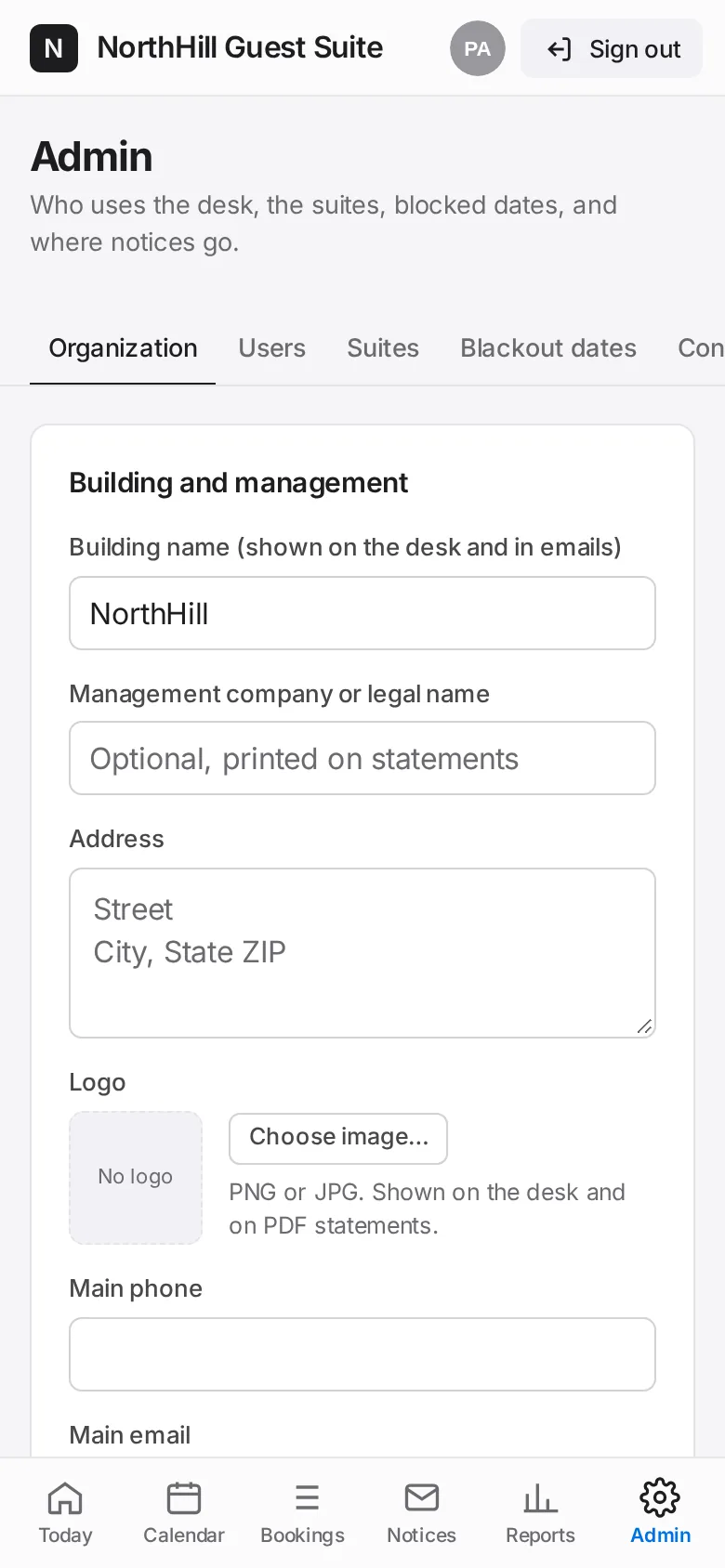
Tap Admin → Organization. Enter the building name, address, main phone and email, and upload your logo. Save.
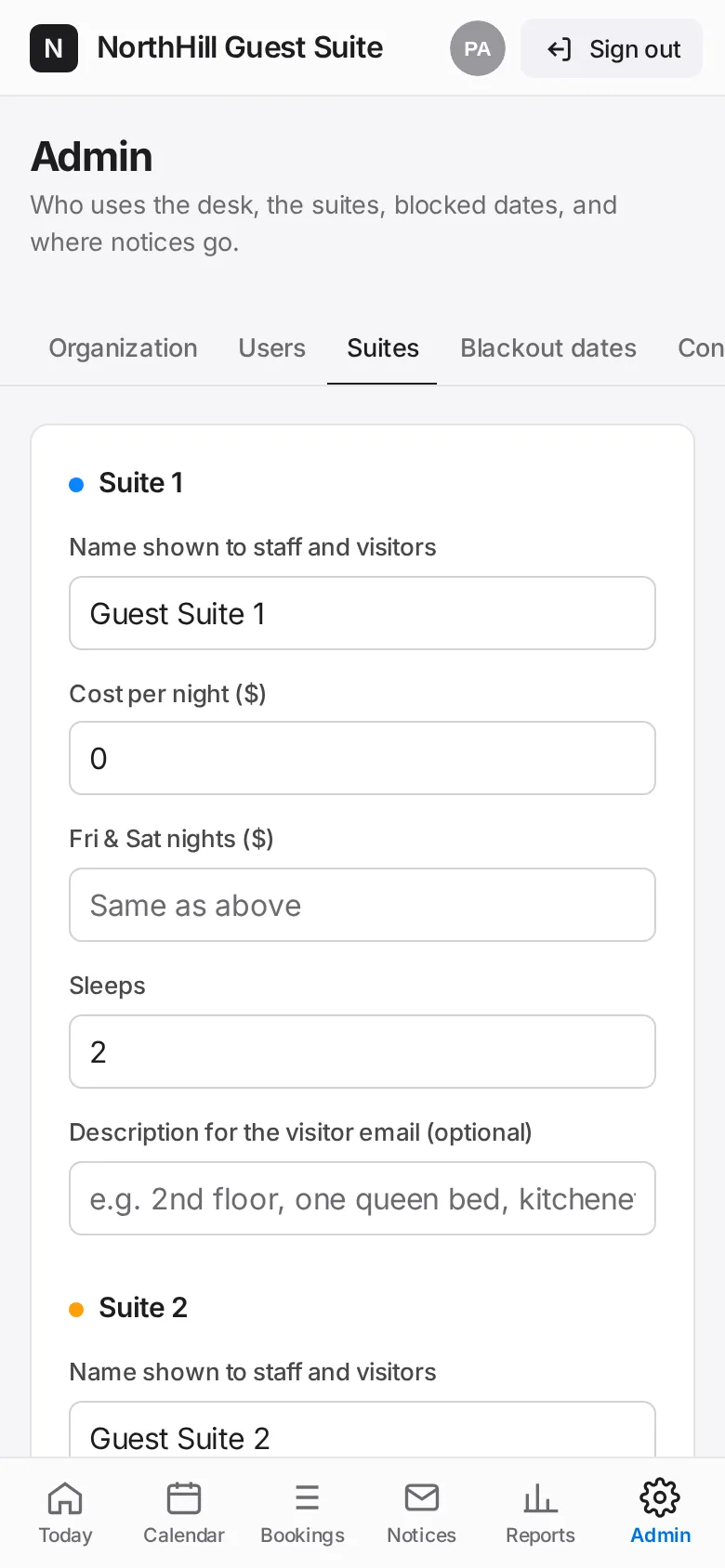
Tap Suites. Name each suite, enter the nightly rate, the Friday & Saturday rate and how many it sleeps. Save suites and rates.
Tap Contacts and add the Security and Housekeeping mailboxes. These addresses receive every staff notice.
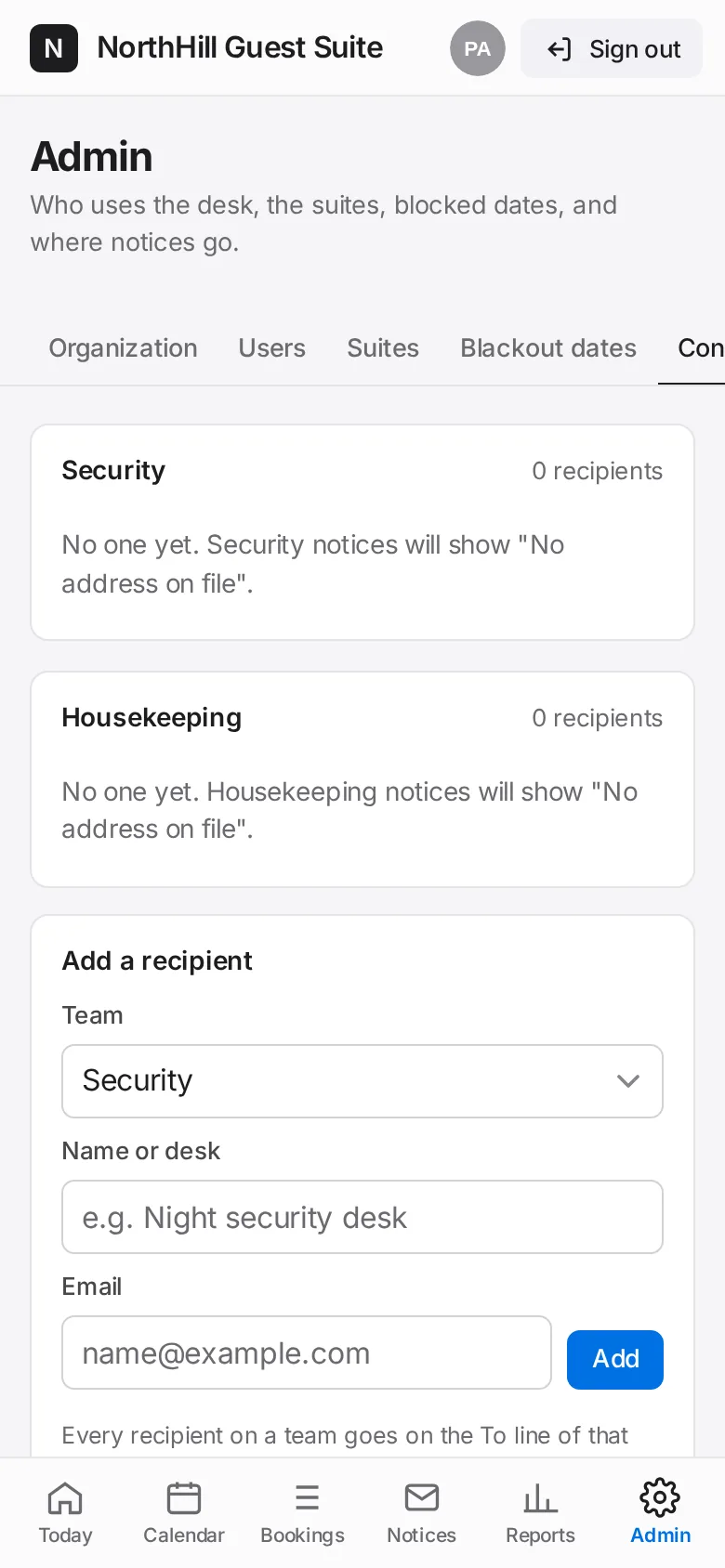
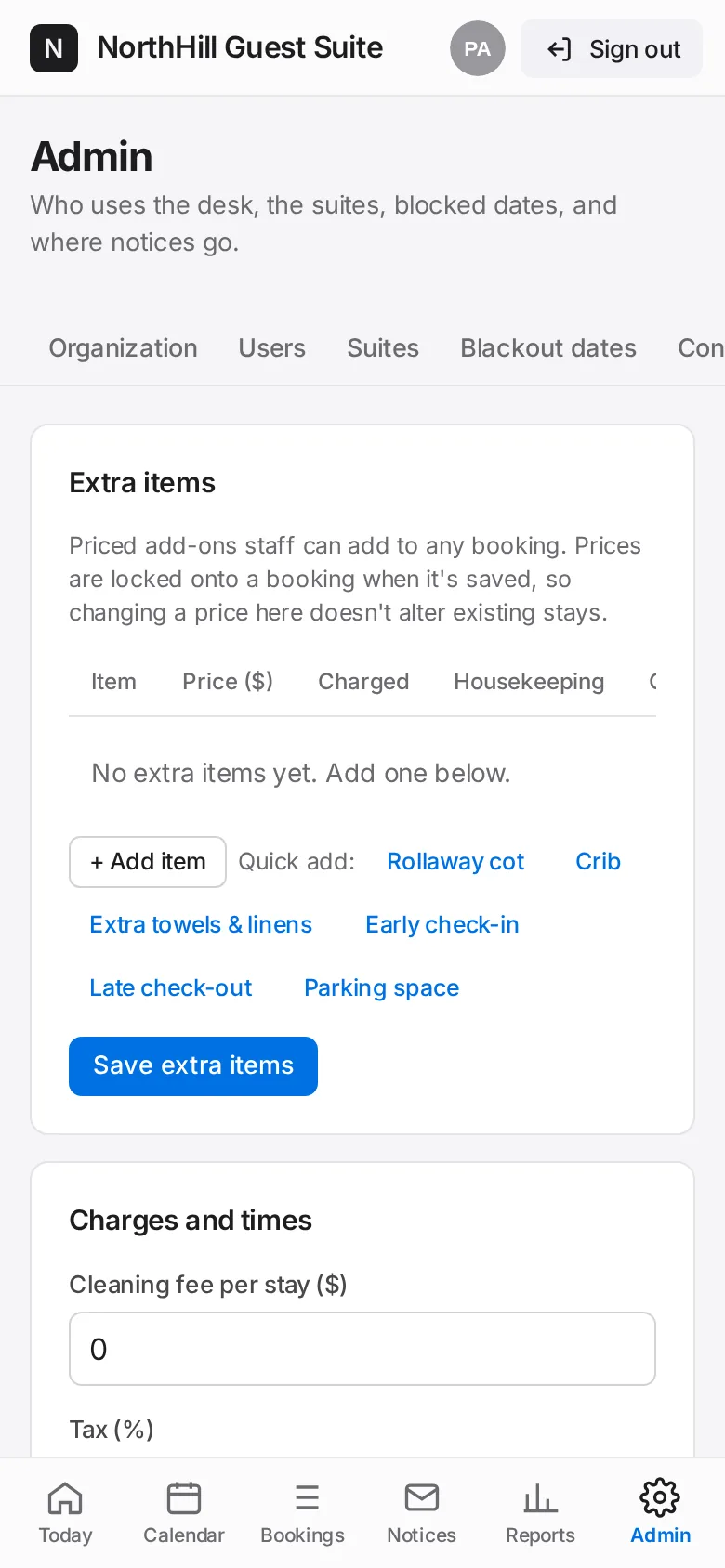
Tap Charges & emails. Set the cleaning fee, tax, check-in and check-out times, and the wording of the visitor emails.
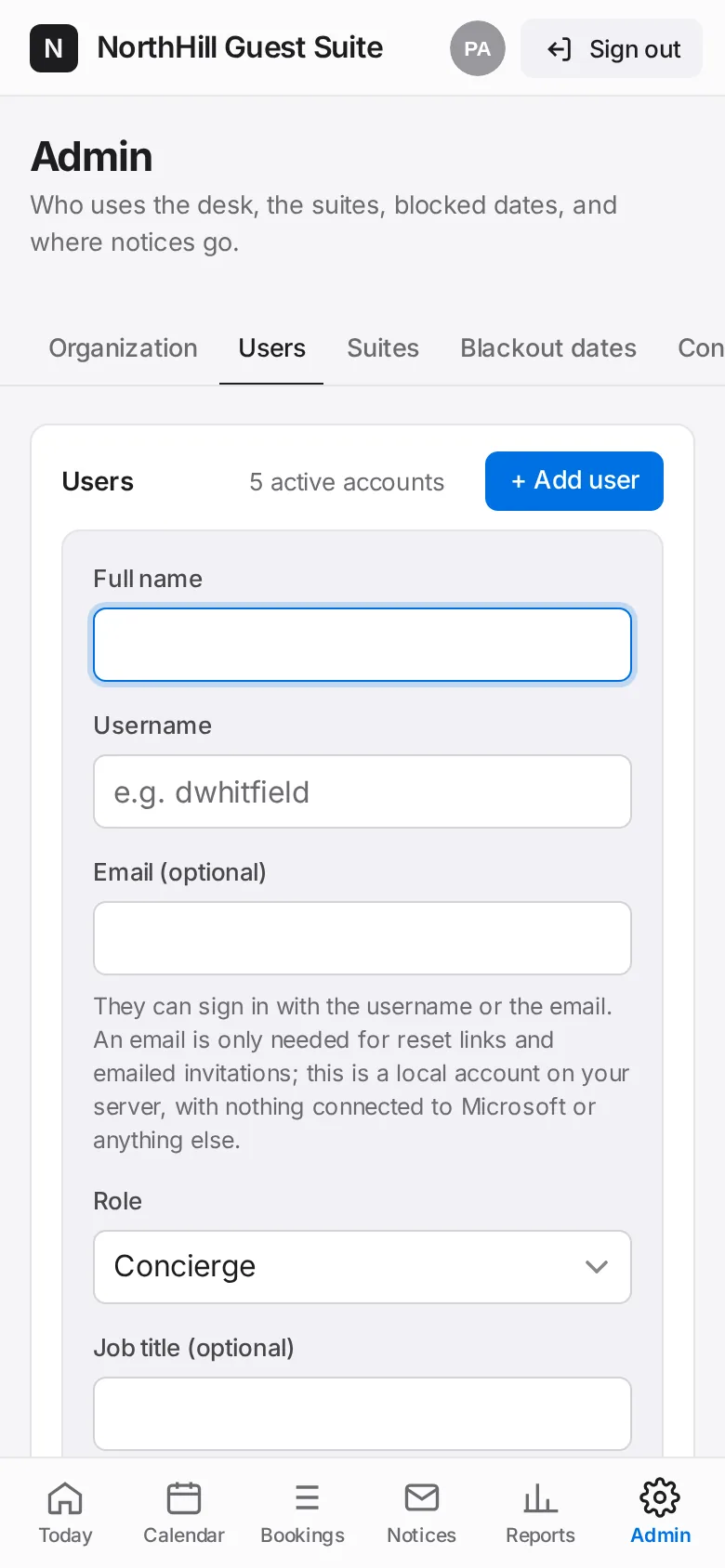
Tap Users → + Add user for each person at the front desk. Pick a role: Admin, Front desk manager, Concierge or View only.
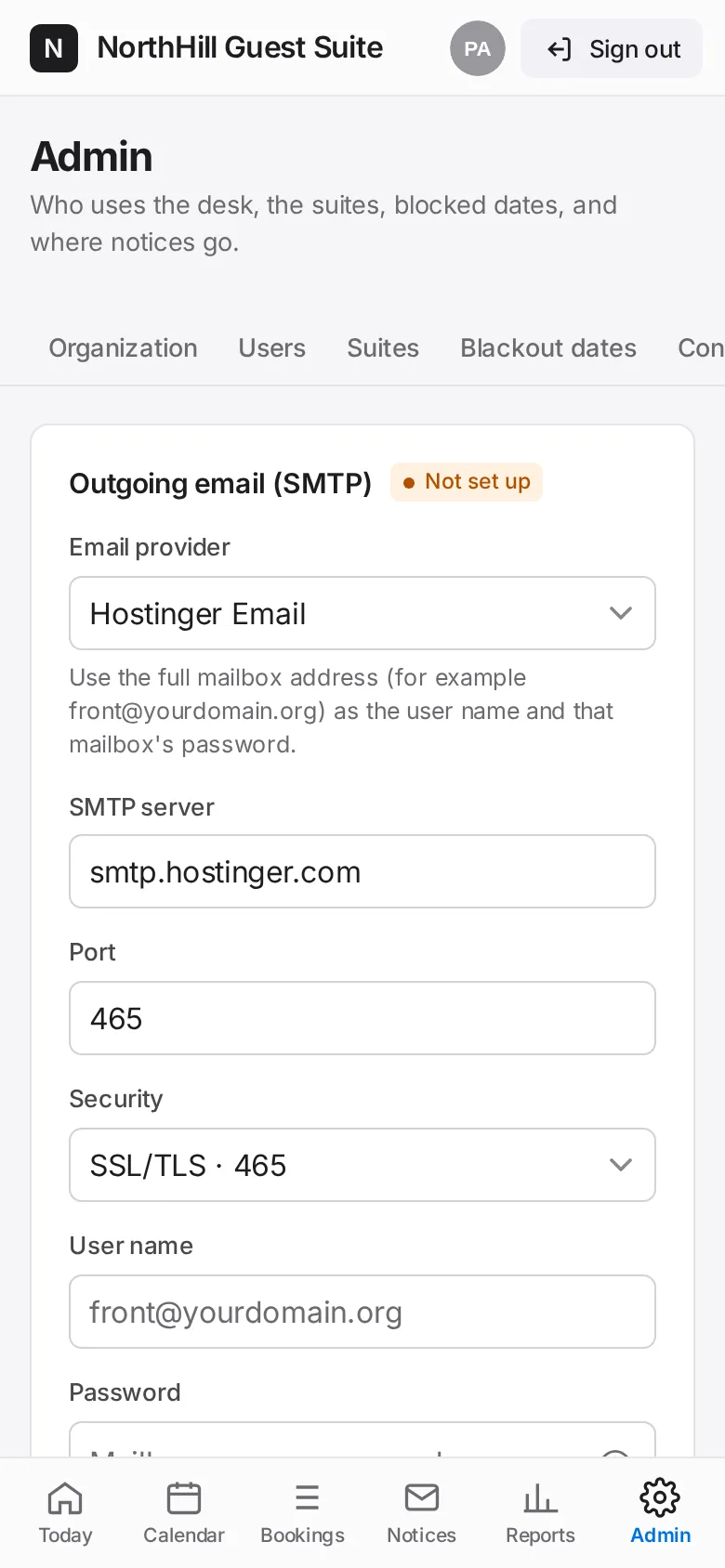
Optional: tap Email to connect a mailbox so confirmations and notices send automatically. Until then, staff copy each notice into their own email.
Go back to Today and add the first booking.