Guest Suite
Getting started as a Manager
Who this is for: Manager
Manager
You run the desk day to day: bookings, payments, cancellations and the monthly numbers.
Sign in. Today shows each suite, who is arriving and leaving, who is in house and which notices still need sending.
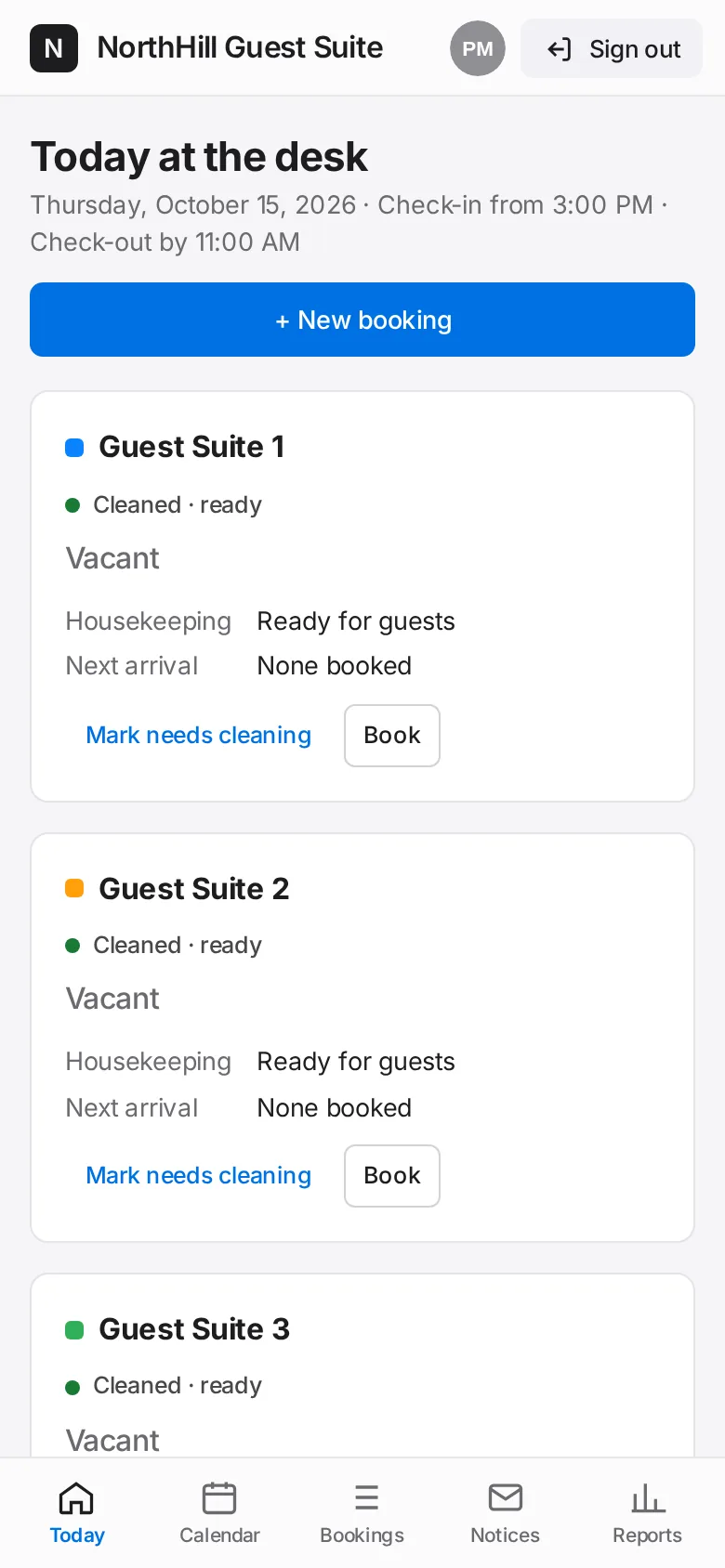
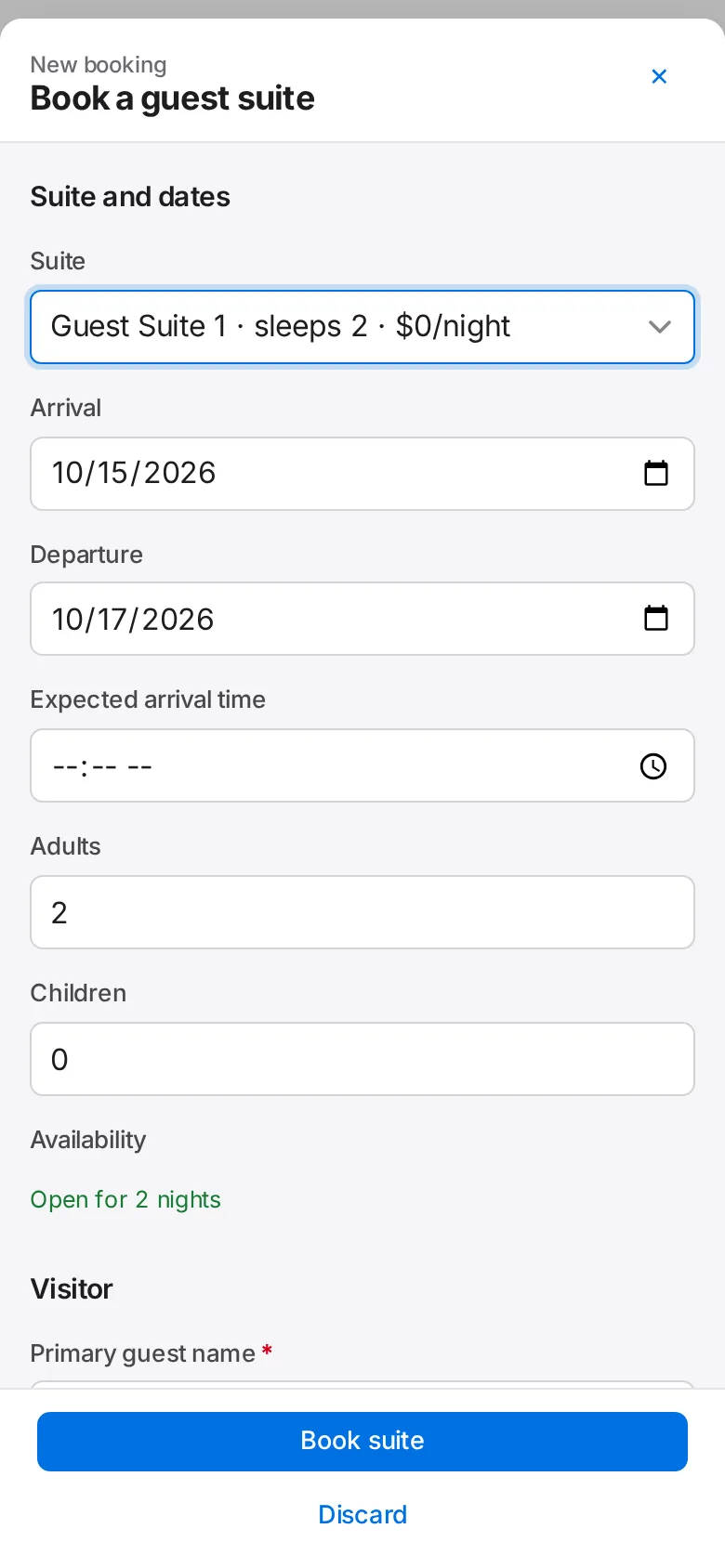
Tap + New booking to book a suite, or tap Book on a suite card.
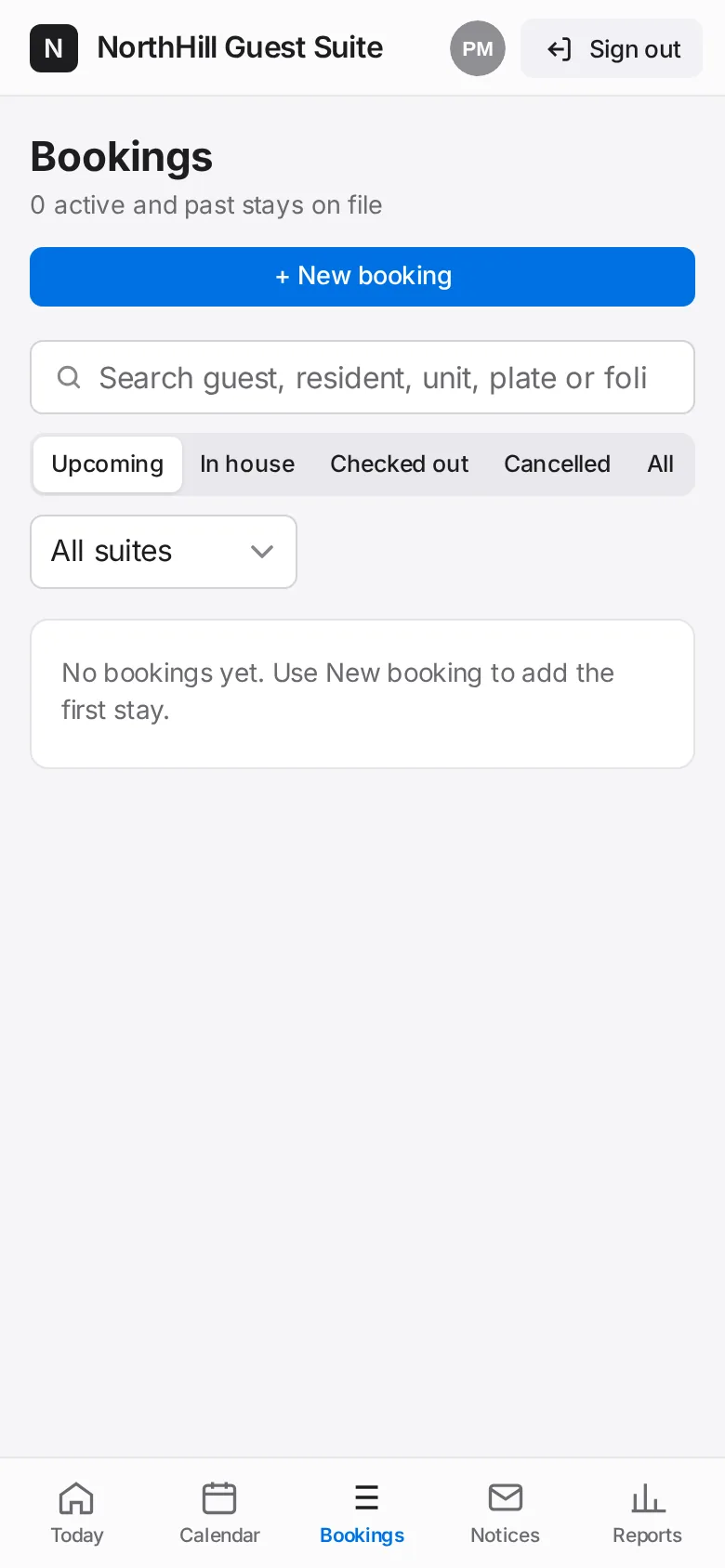
Use Bookings to find any stay and open its details: check in, check out, mark paid, edit or cancel.
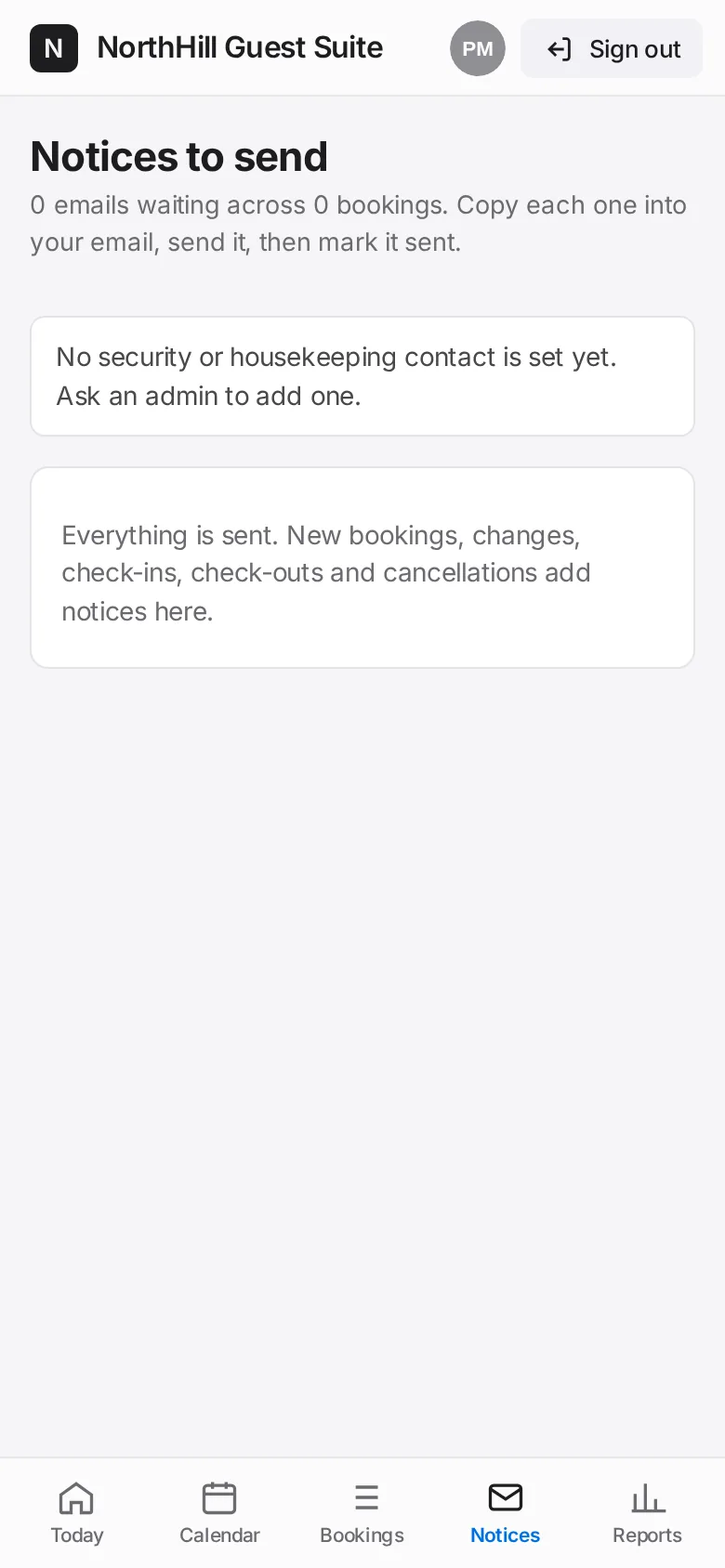
Use Notices to send the visitor confirmation and the security and housekeeping notices each booking creates.
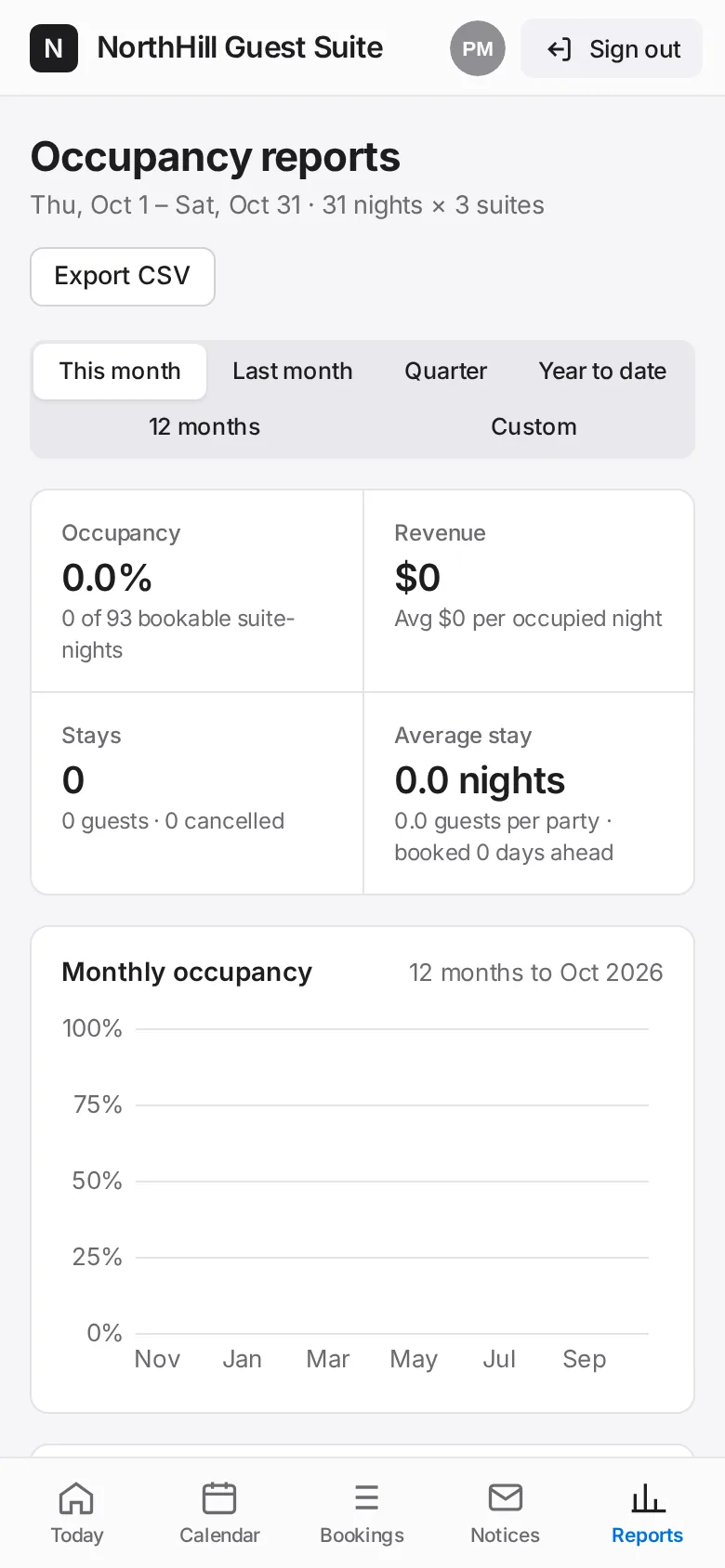
Use Reports at month end for occupancy, revenue and the CSV export.