Guest Suite
Run reports and export CSV
Who this is for: Admin, Manager, Viewer
AdminManagerViewer
Tap Reports. Choose a range: This month, Last month, Quarter, Year to date, 12 months or Custom.
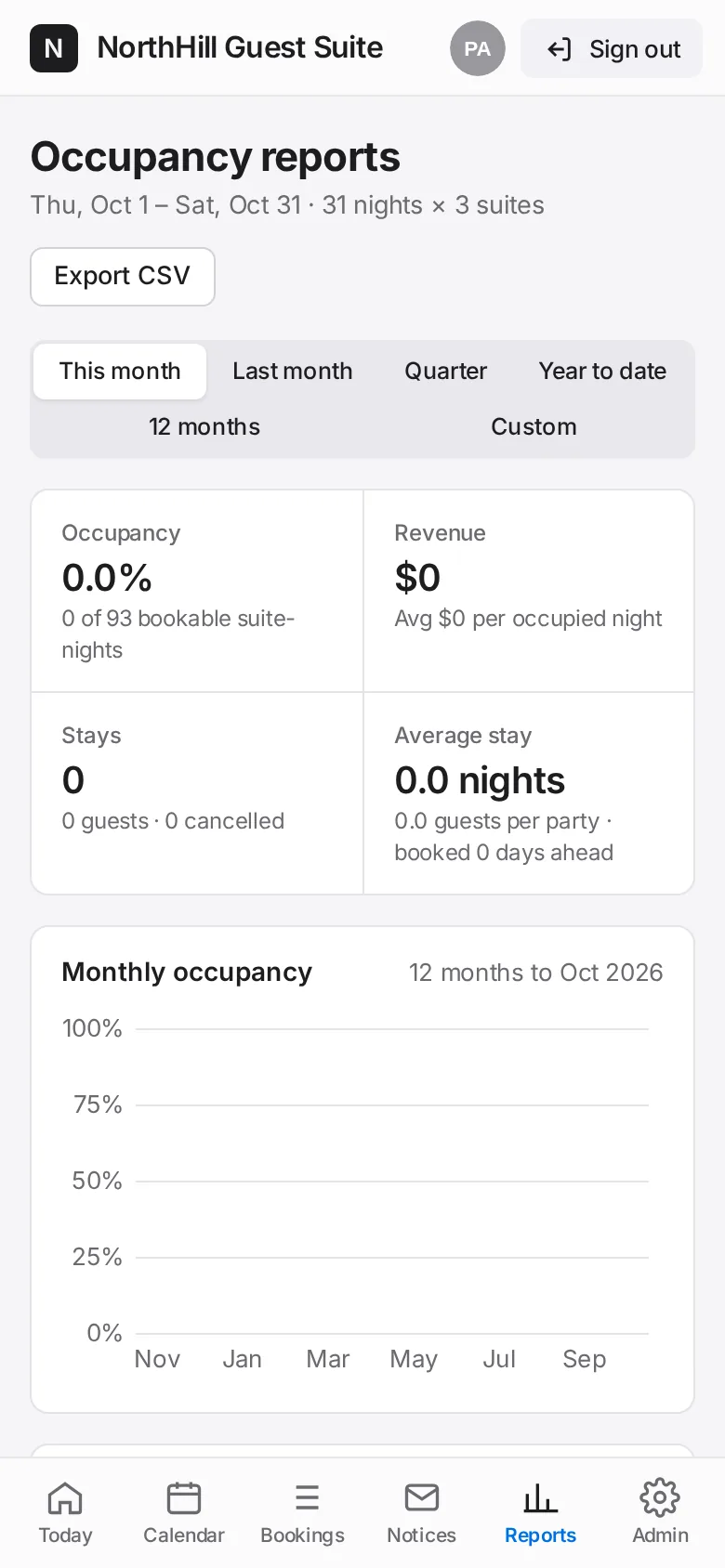
Read occupancy, revenue, average stay length, the busiest nights of the week and the residents hosting most.
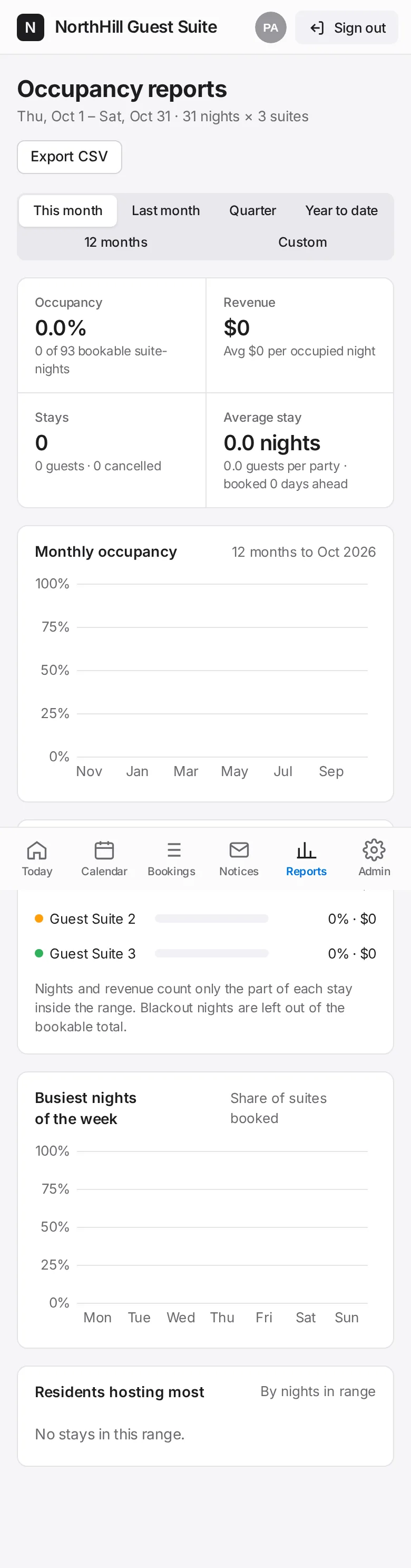
Tap Export CSV to download the stays in the range for a spreadsheet.