Guest Suite
Set up the building details and logo
Who this is for: Admin
Admin
Tap Admin → Organization.
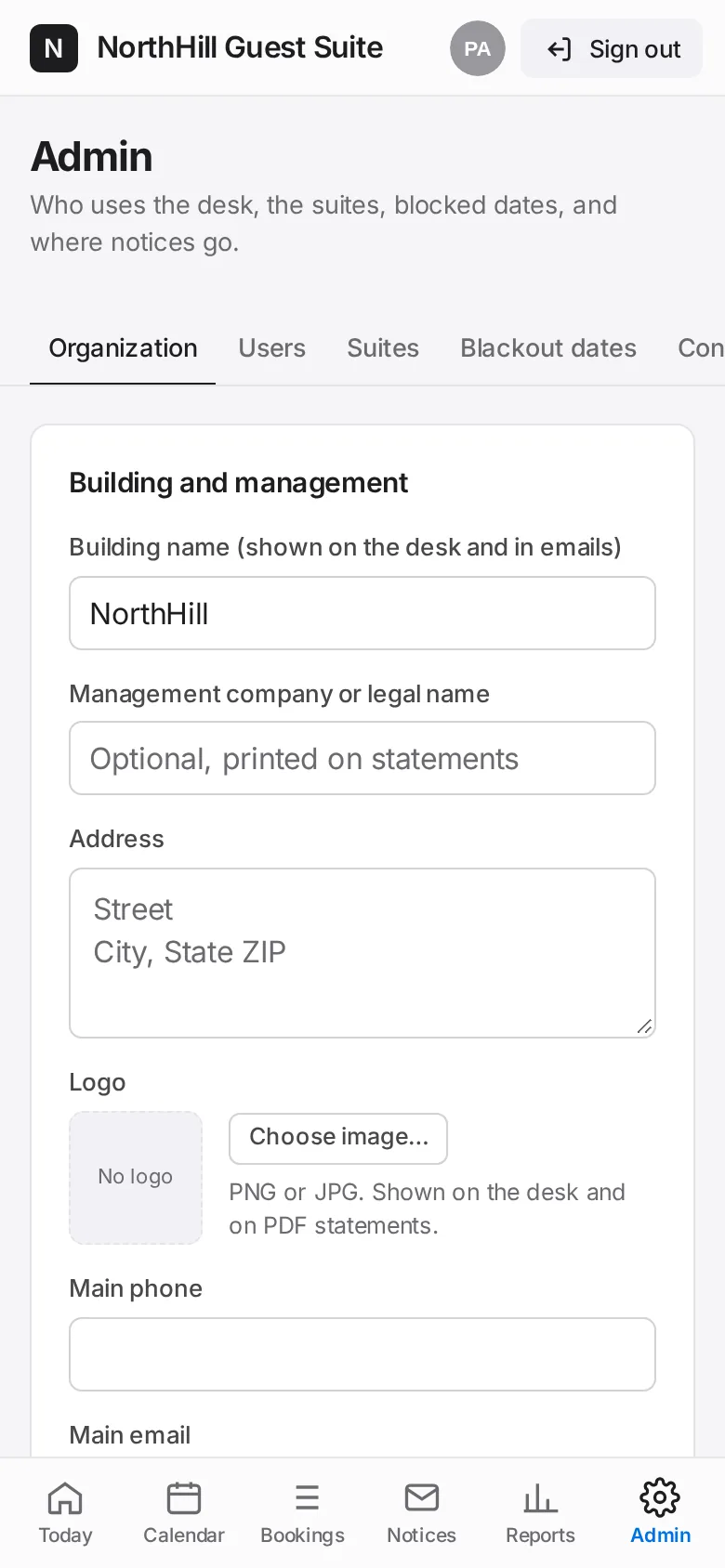
Enter the building name, management company, address, main phone, email and website. Tap Choose image… to upload a PNG or JPG logo.
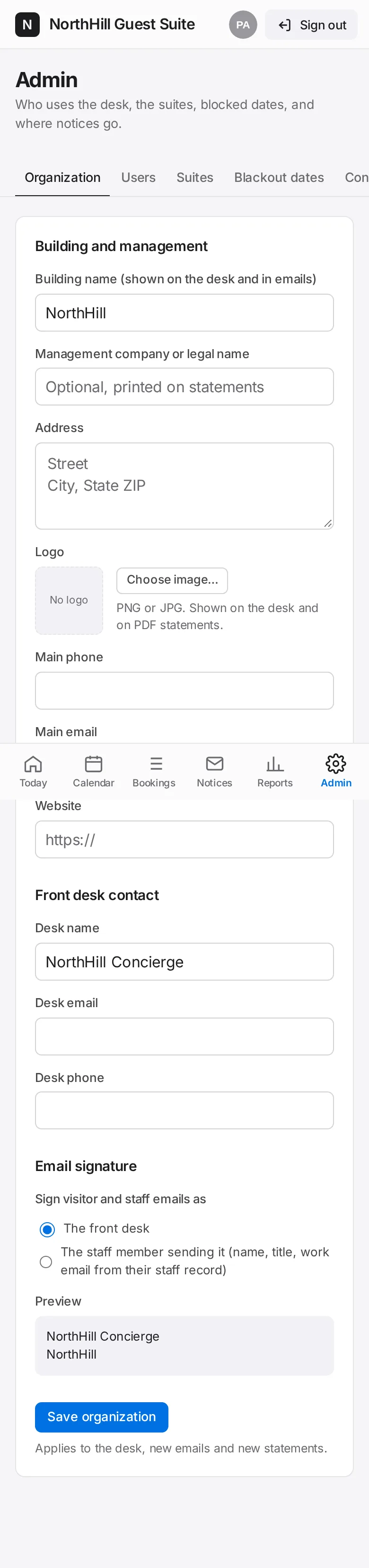
Fill in the front desk contact and choose how emails are signed: as The front desk or as the staff member sending them.
Tap Save organization. It applies to the desk, new emails and new statements.