PurposeFULL Connection
Read analytics and export reports
Who this is for: Admin
Admin
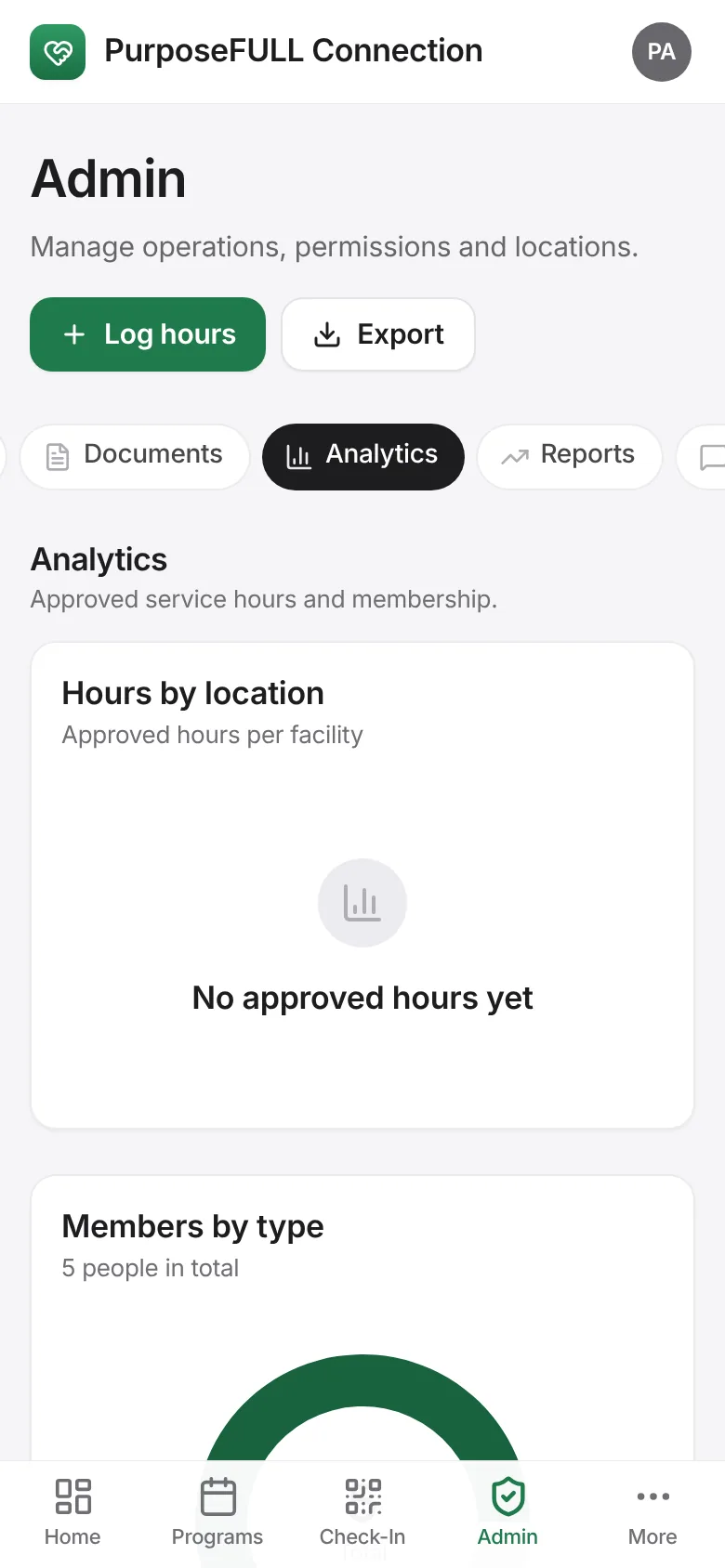
Tap Admin → Analytics for approved hours by location, members by type and monthly hours.
Tap Admin → Reports for the volunteer leaderboard, Monthly summary (PDF) and Export volunteers (CSV).
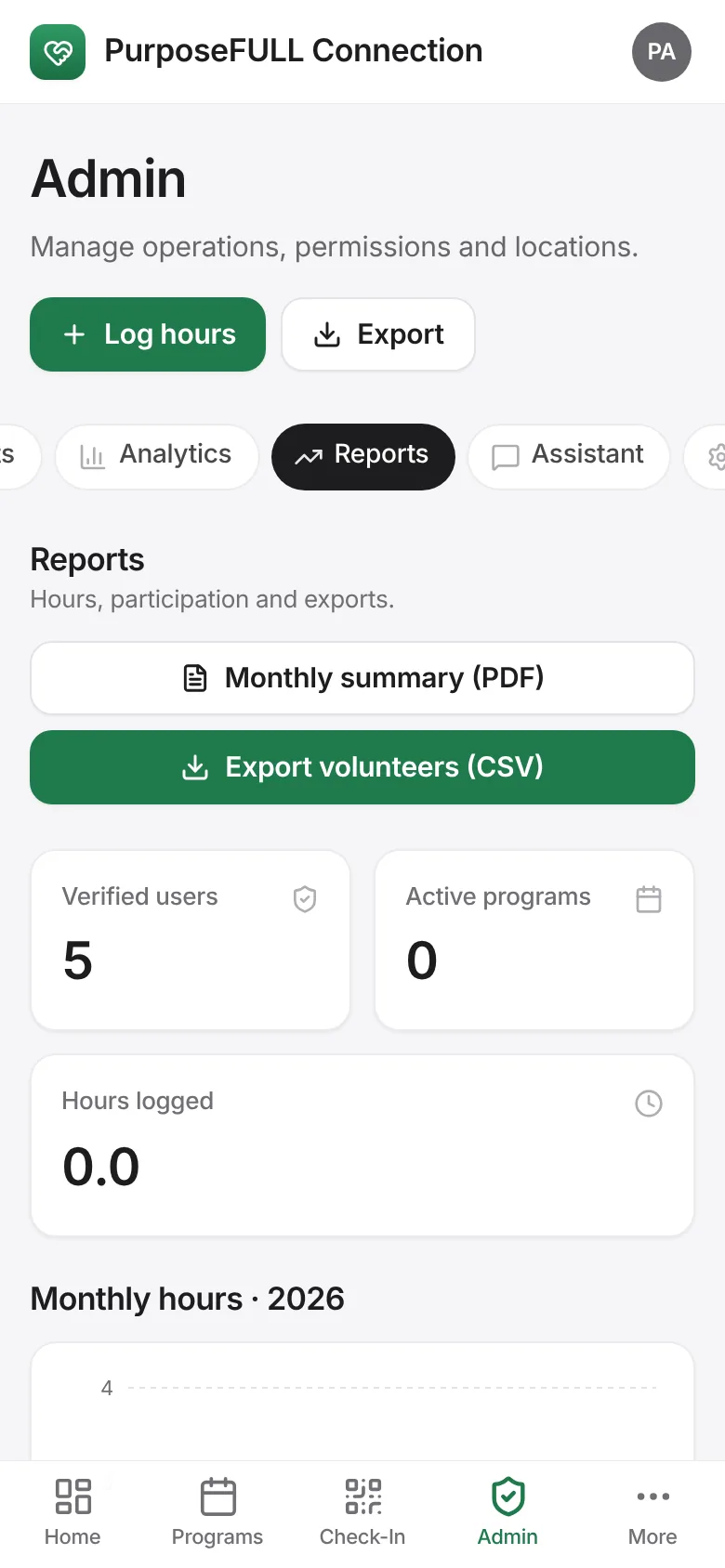
Export on the Admin header downloads the hours data.
All PurposeFULL Connection guides PurposeFULL Connection FAQ