PurposeFULL Connection
Create a messaging group
Who this is for: Admin
Admin
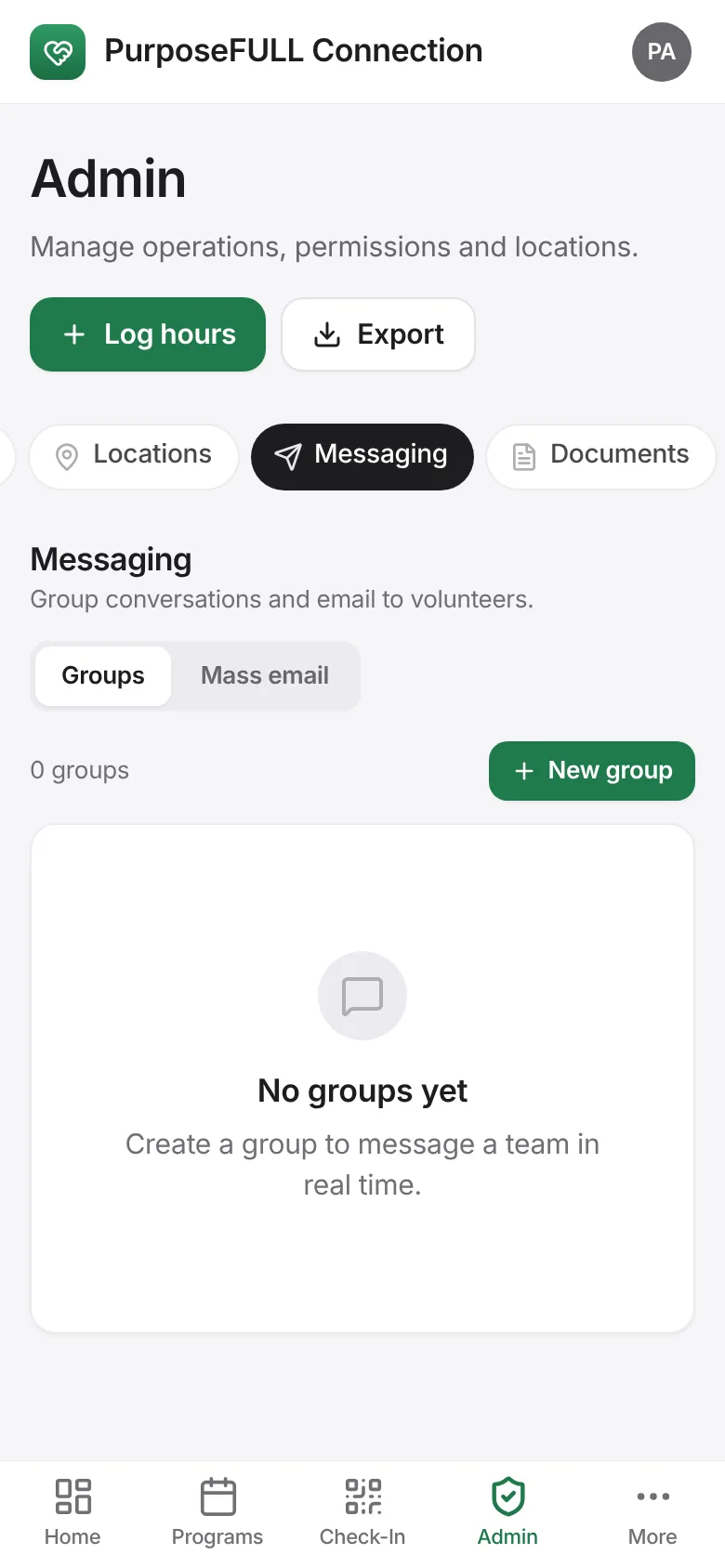
Tap Admin → Messaging → Groups → New group.
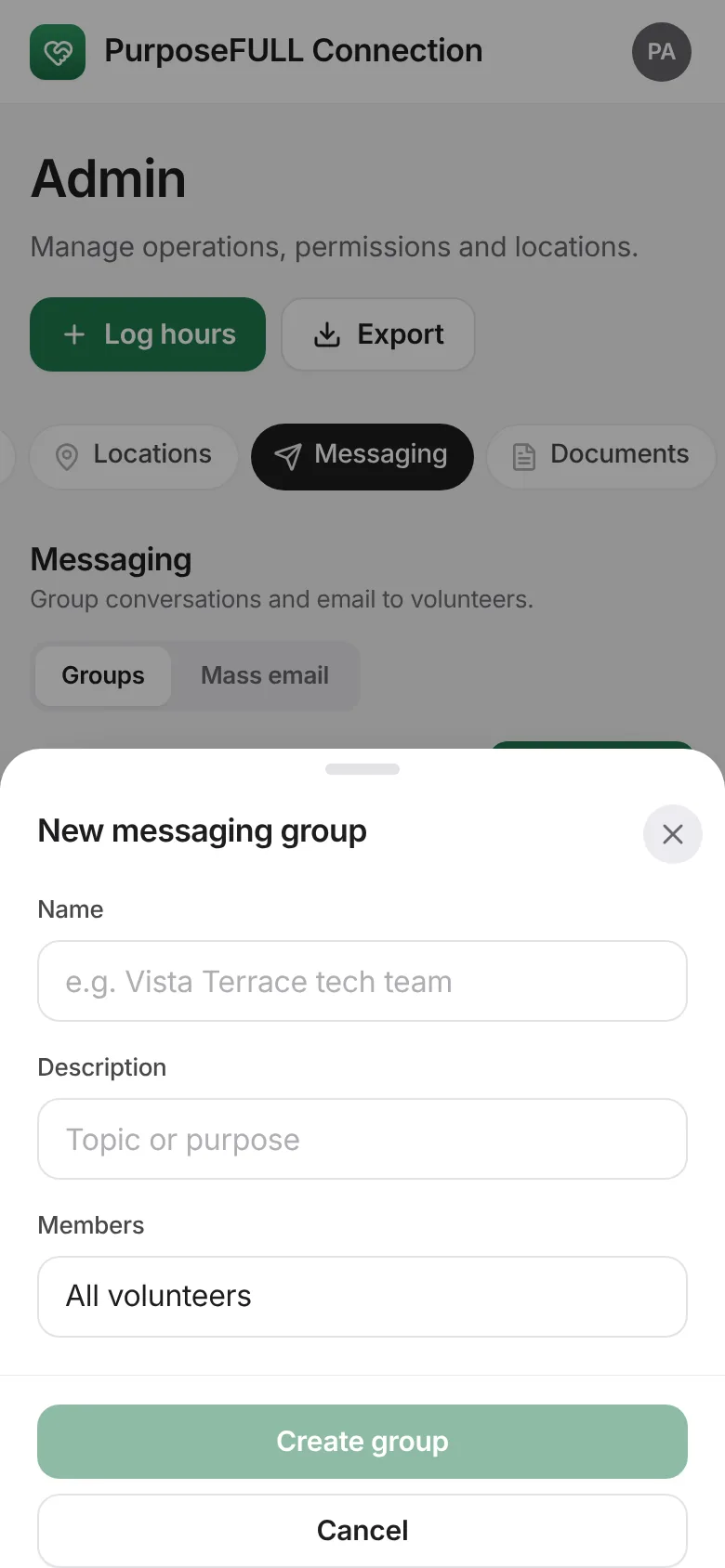
Name it, add a description and choose members: all volunteers, staff, residents, community or specific people. Tap Create group.
Members see the group under Chats and can message in real time.
All PurposeFULL Connection guides PurposeFULL Connection FAQ