PurposeFULL Connection
Review community volunteer applications
Who this is for: Admin
Admin
Tap Admin → Applications. Use Pending, Approved, Denied or All.
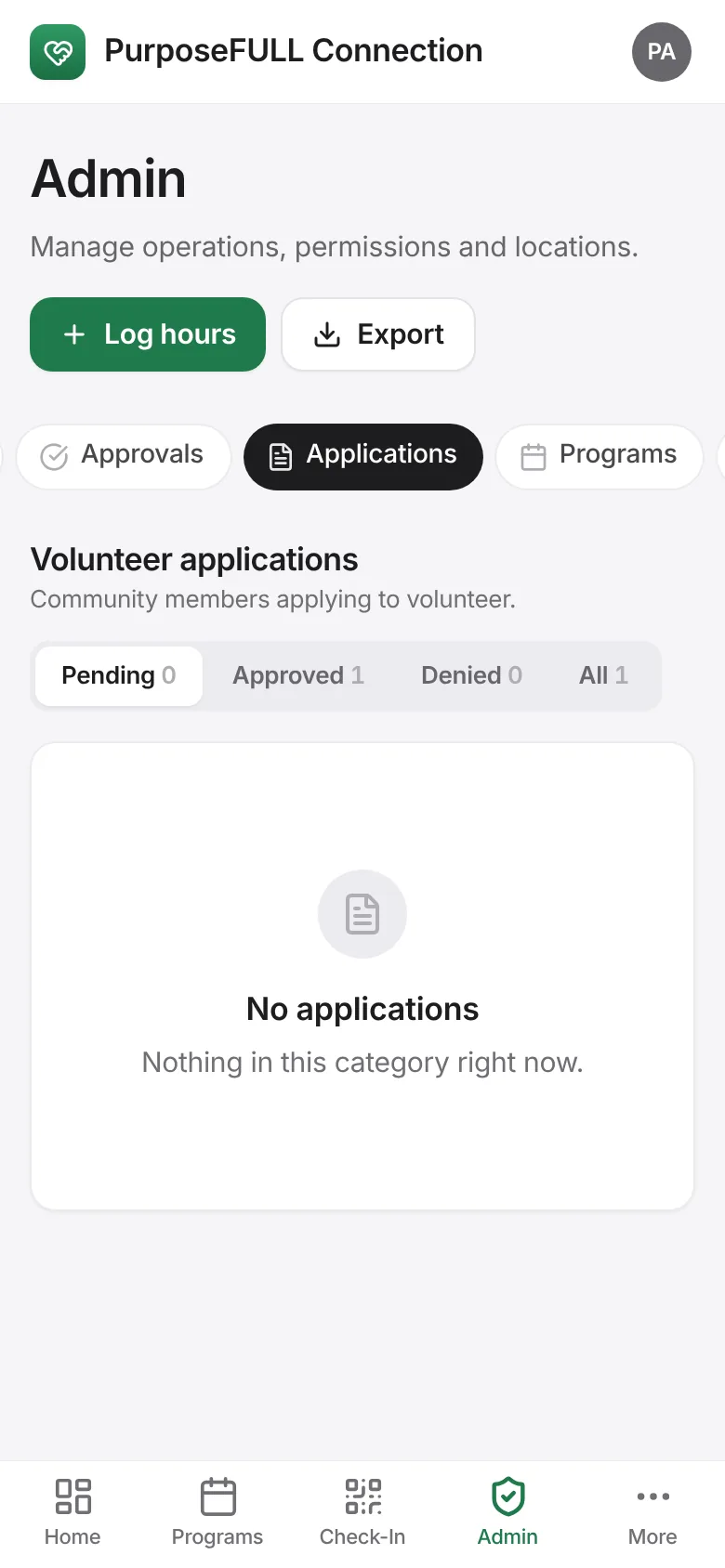
Open an application to read it, then Approve or Deny. The applicant is told by email when email is switched on; approved volunteers get the full app.
All PurposeFULL Connection guides PurposeFULL Connection FAQ