PurposeFULL Connection
Run the Check-In desk
Who this is for: Admin
Admin
Tap Check-In in the tab bar.
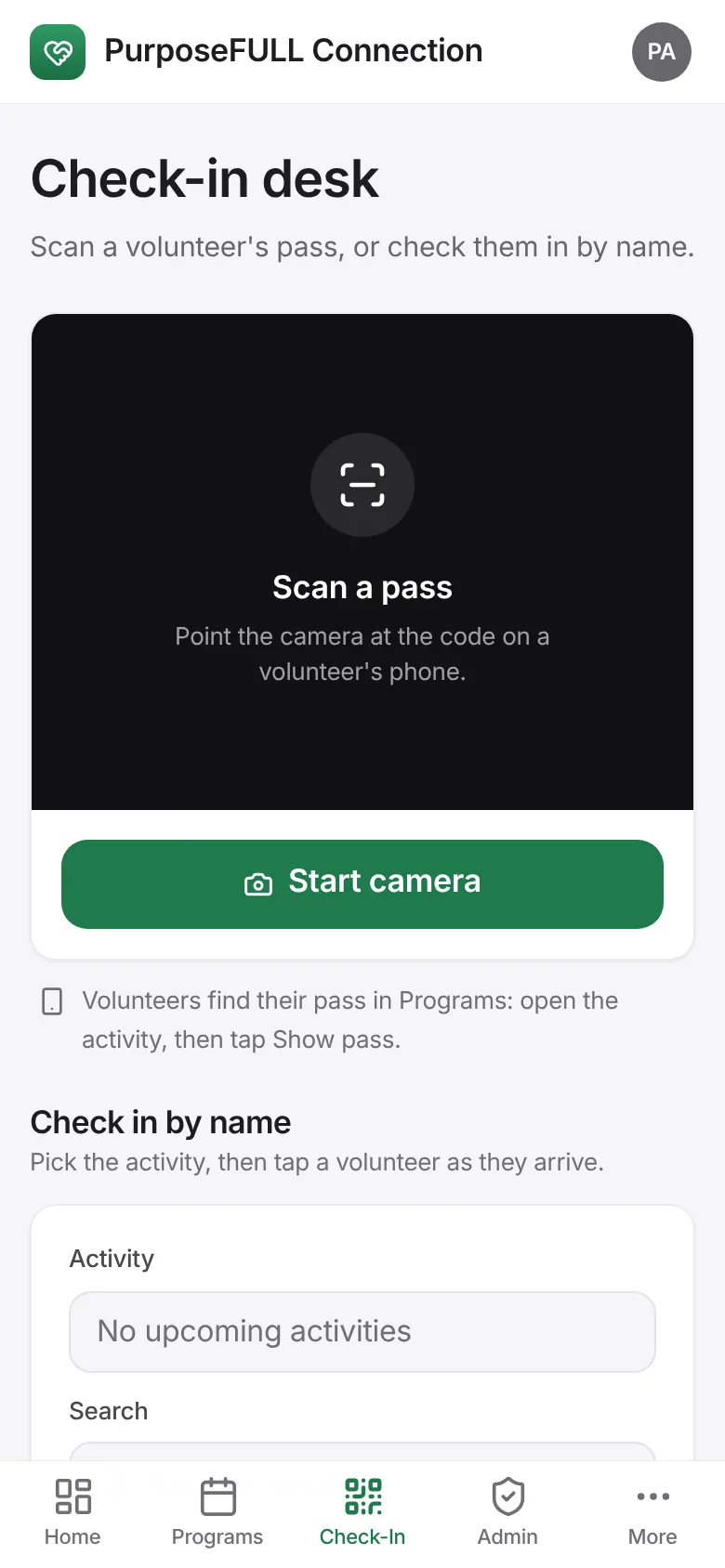
Tap Start camera and point it at the QR pass on the volunteer’s phone; the check-in is recorded and their hours start.
No pass? Under Check in by name pick the activity, search the volunteer and tap their name as they arrive.
All PurposeFULL Connection guides PurposeFULL Connection FAQ