PurposeFULL Connection
Email, backups and data export (System)
Who this is for: Admin
Admin
Tap Admin → System.
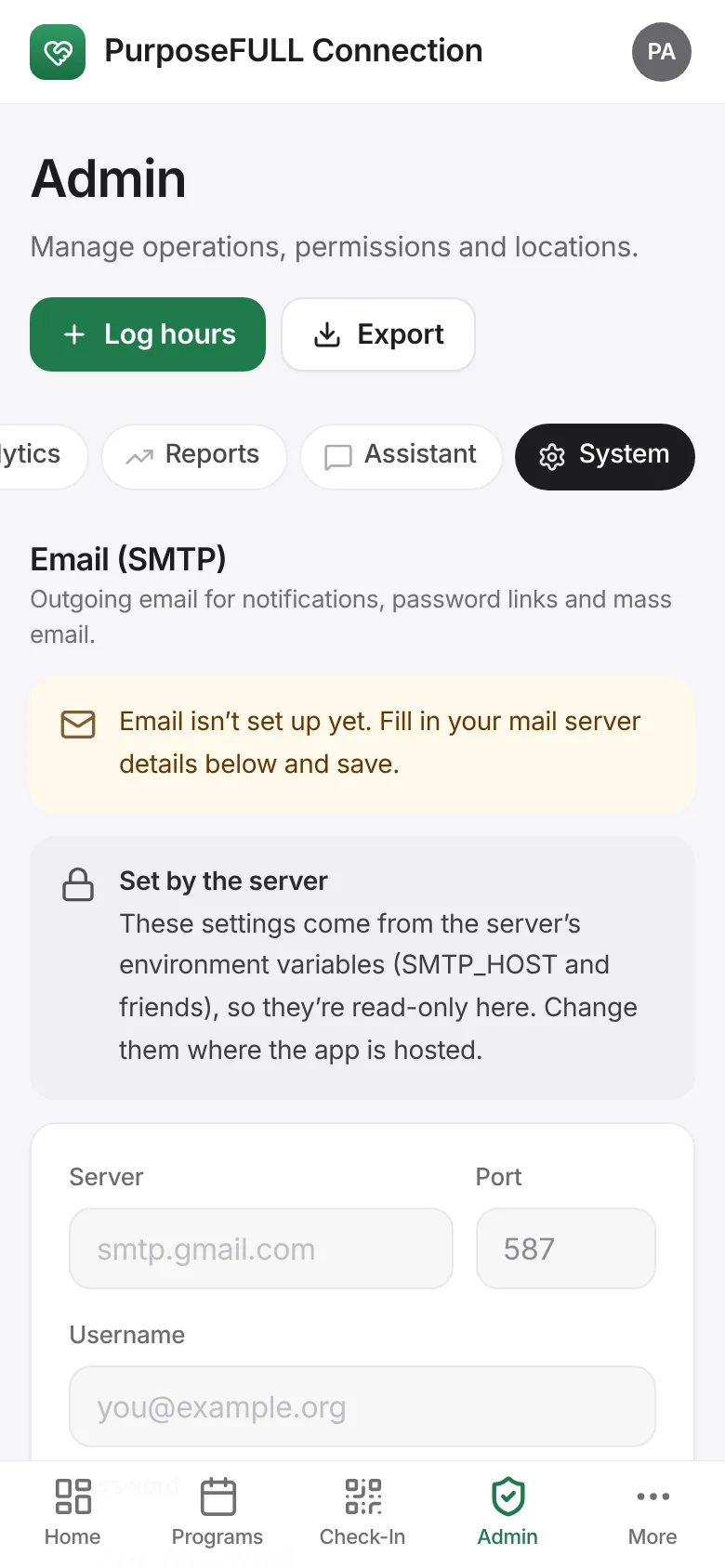
Email (SMTP): enter the server, port, username, password and From address, then Test connection. Needed for reset links, notifications and mass email.
Data: Export all data (JSON) or Back up the database now. Backups also run automatically every night.
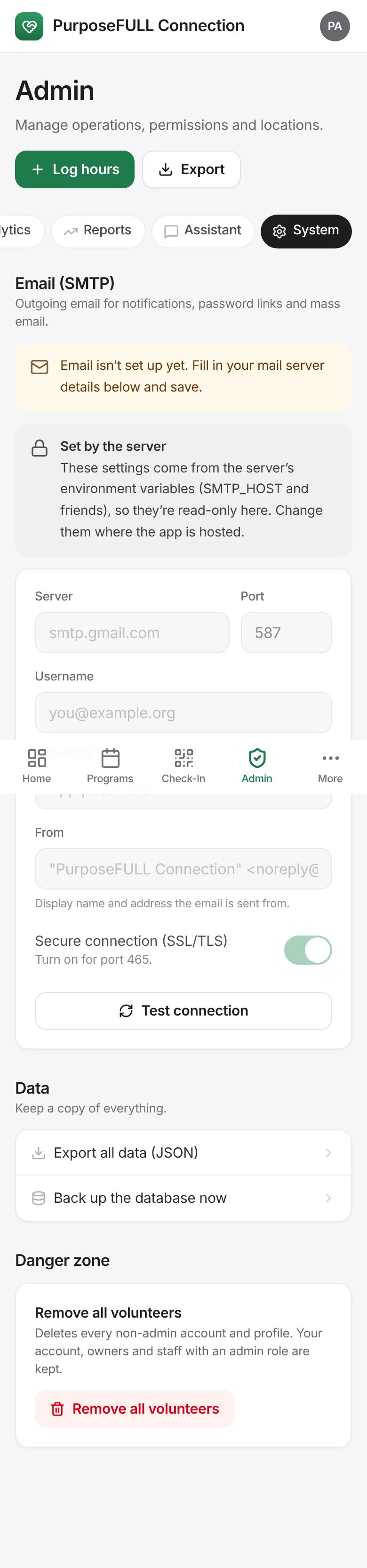
Danger zone: Remove all volunteers wipes volunteer accounts. Only for resetting a test site.
All PurposeFULL Connection guides PurposeFULL Connection FAQ