CoreFitness
Add a member from the console
Who this is for: Staff, Admin
StaffAdmin
For people who can’t use the kiosk, or to register someone ahead of their first visit.
Tap Members → Add Member.
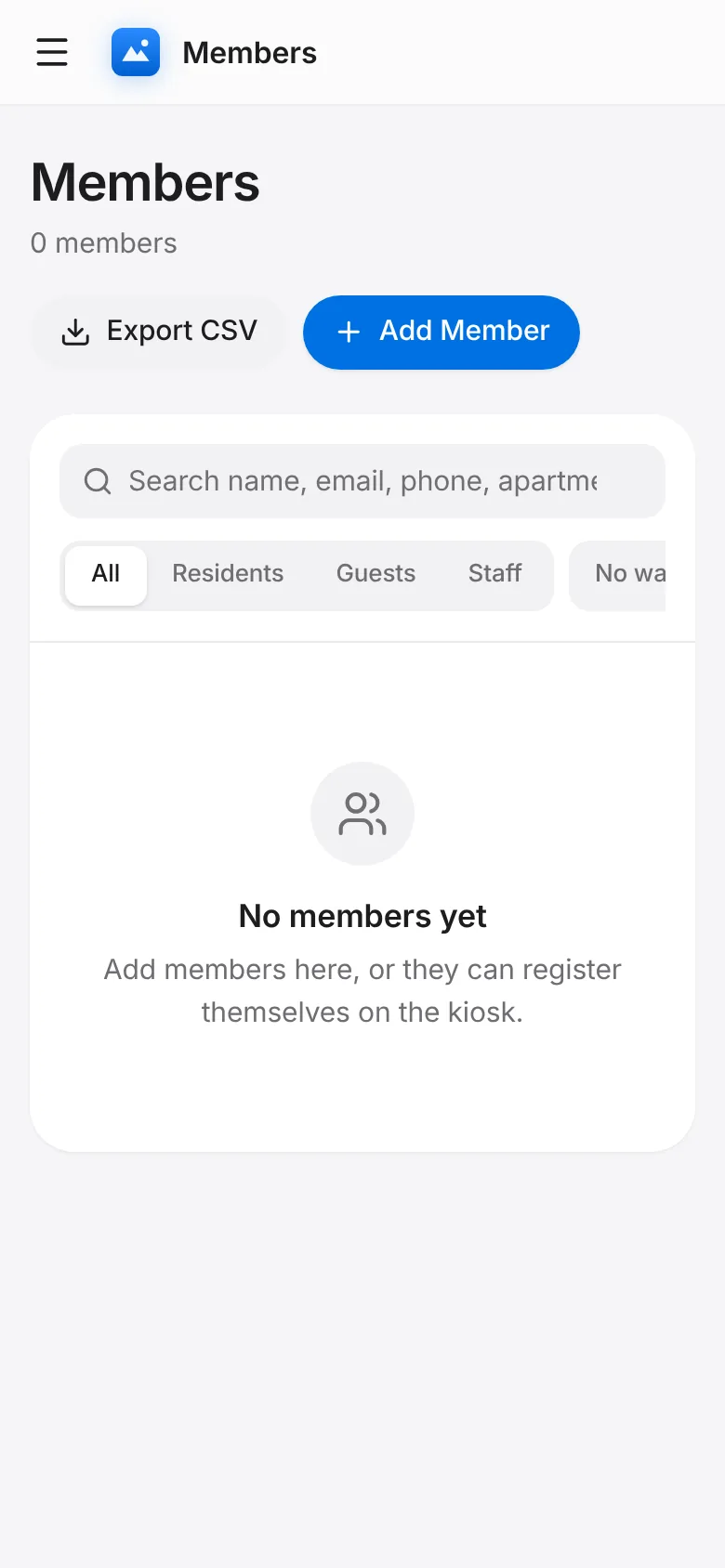
Enter their name, type (Resident, Guest or Staff), contact details and apartment. Guests get a host resident.
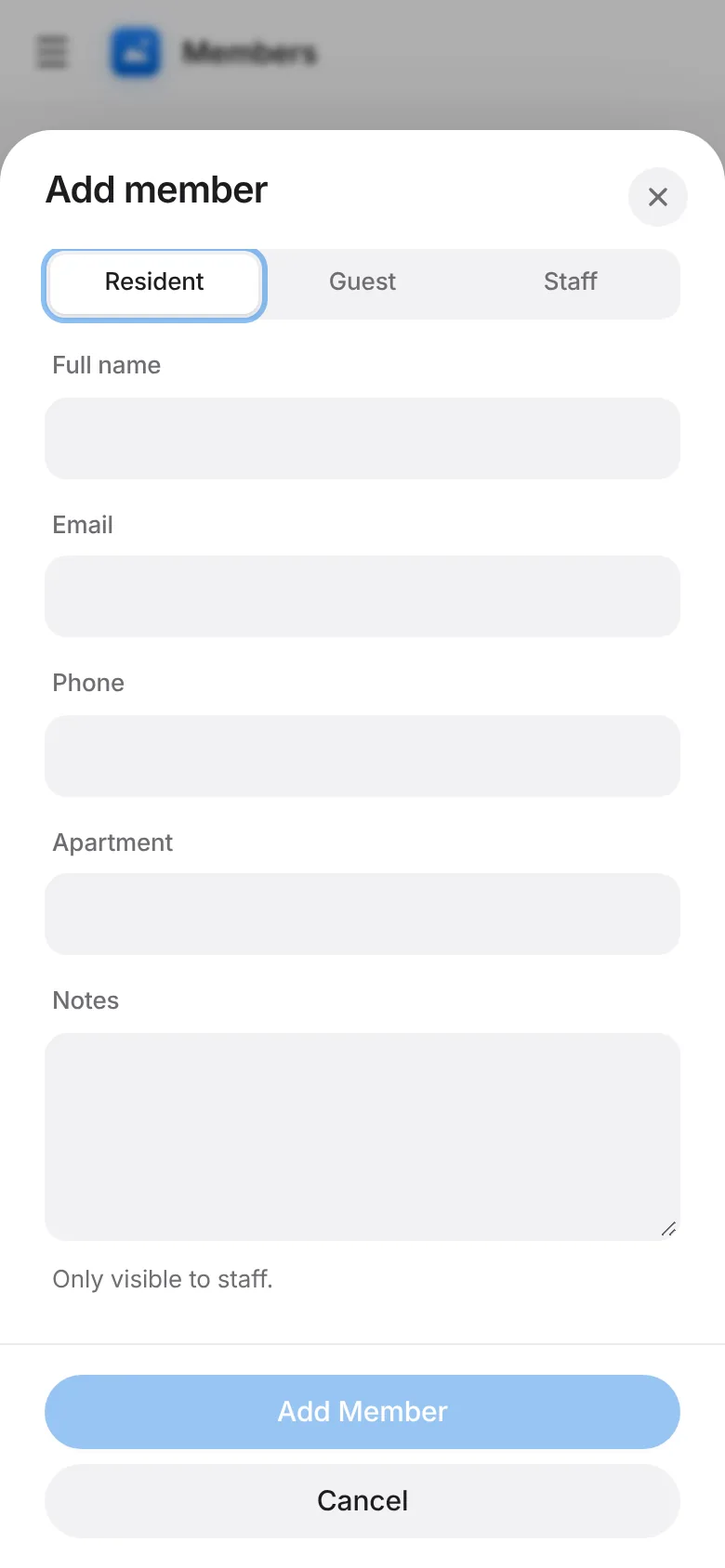
Tap Save. They can sign the waiver and take their photo at the kiosk on their first check-in.