CoreFitness
Getting started as an Admin
Who this is for: Admin
Admin
Set the center up once: activities, the waiver, the kiosk behaviour and staff logins.
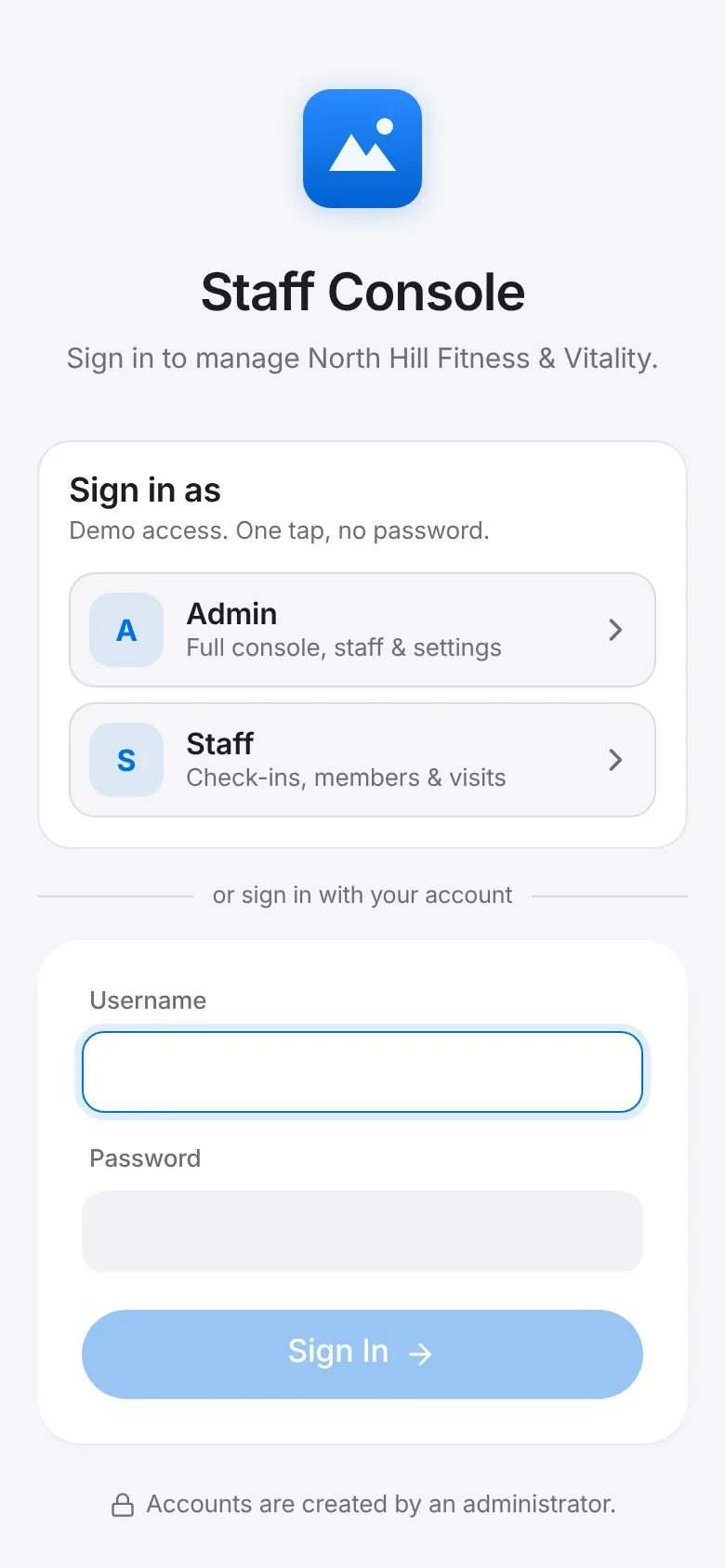
Sign in to the staff console with your admin account.
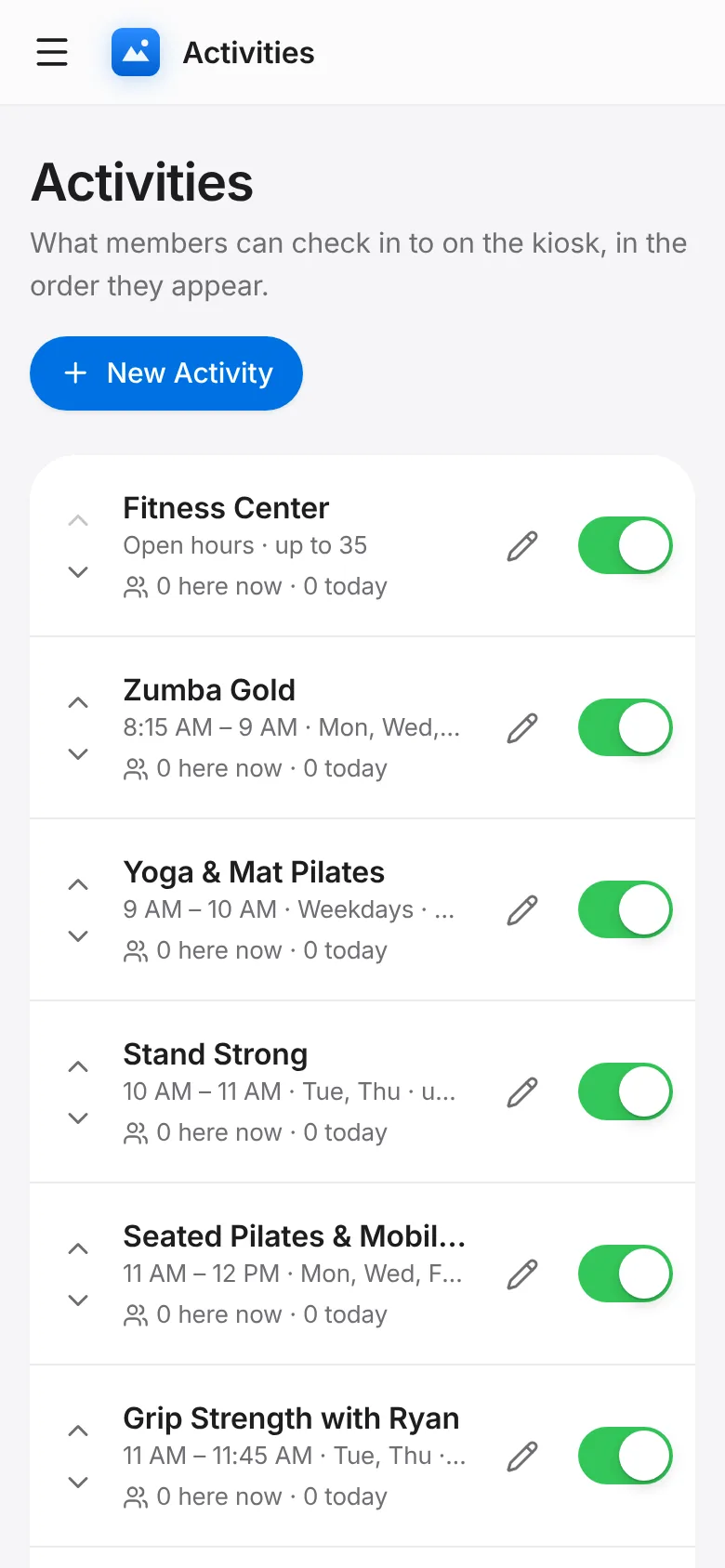
Activities: add the gym, classes and open-play activities members can check in to, in the order they should appear on the kiosk.
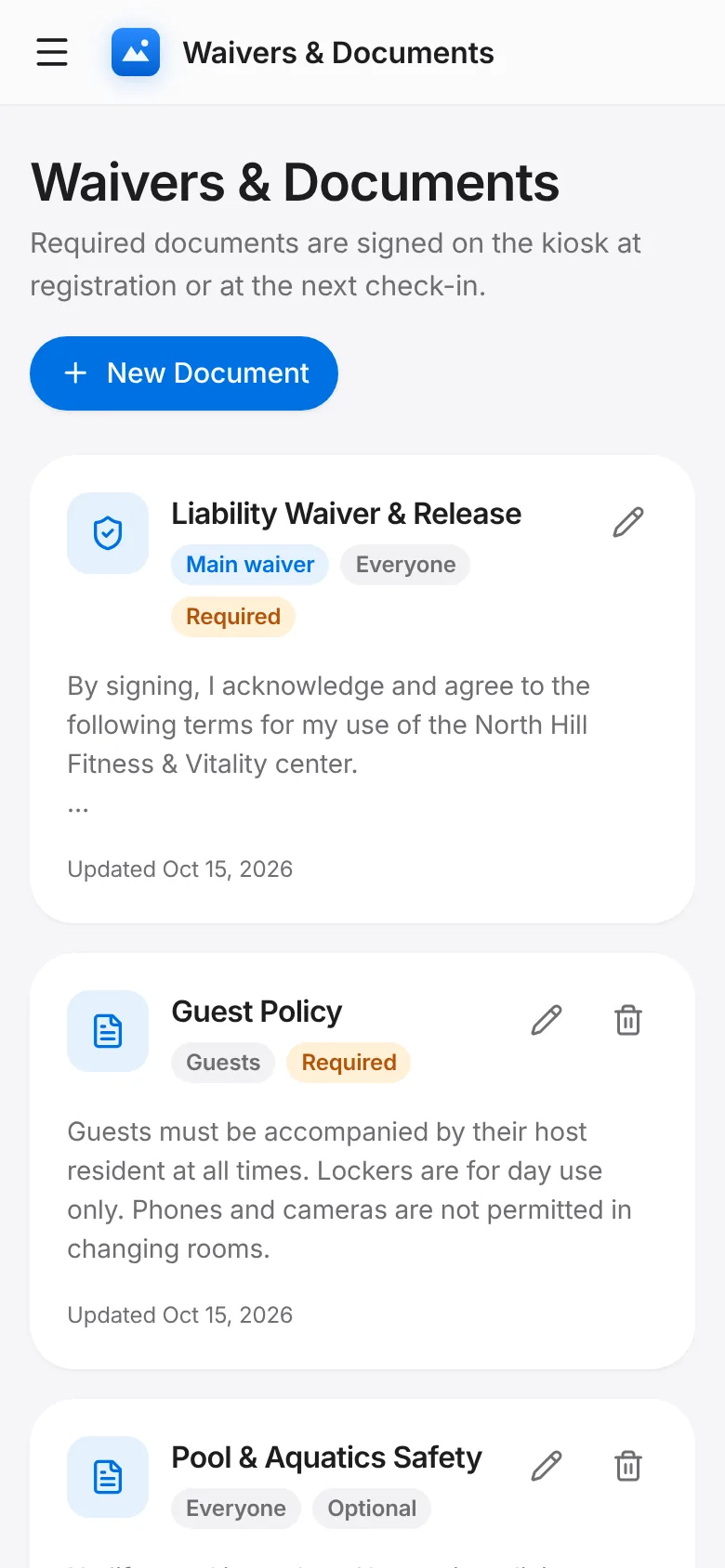
Waivers & Documents: review the main waiver and add any policy that must be signed.
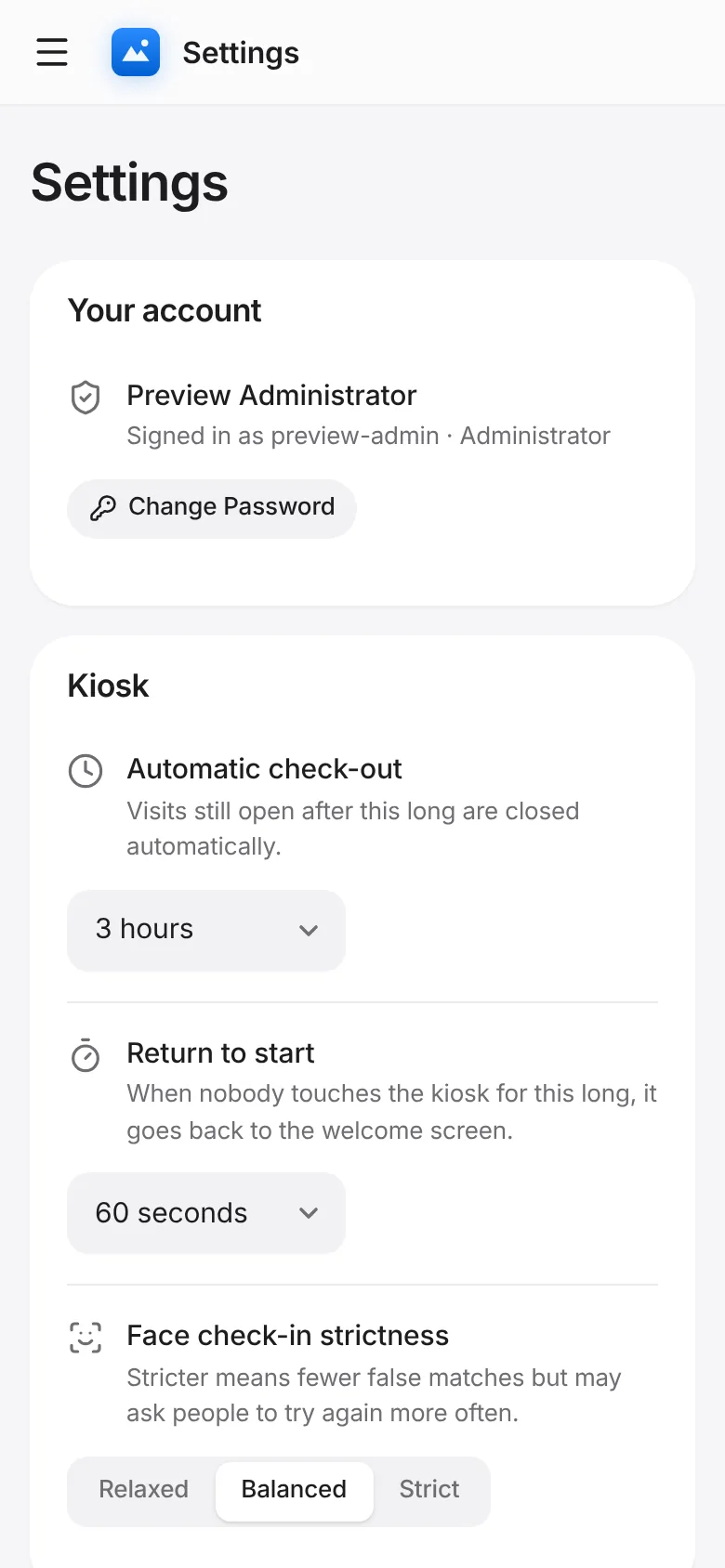
Settings: set automatic check-out, how long the kiosk waits before returning to the start, and face check-in strictness.
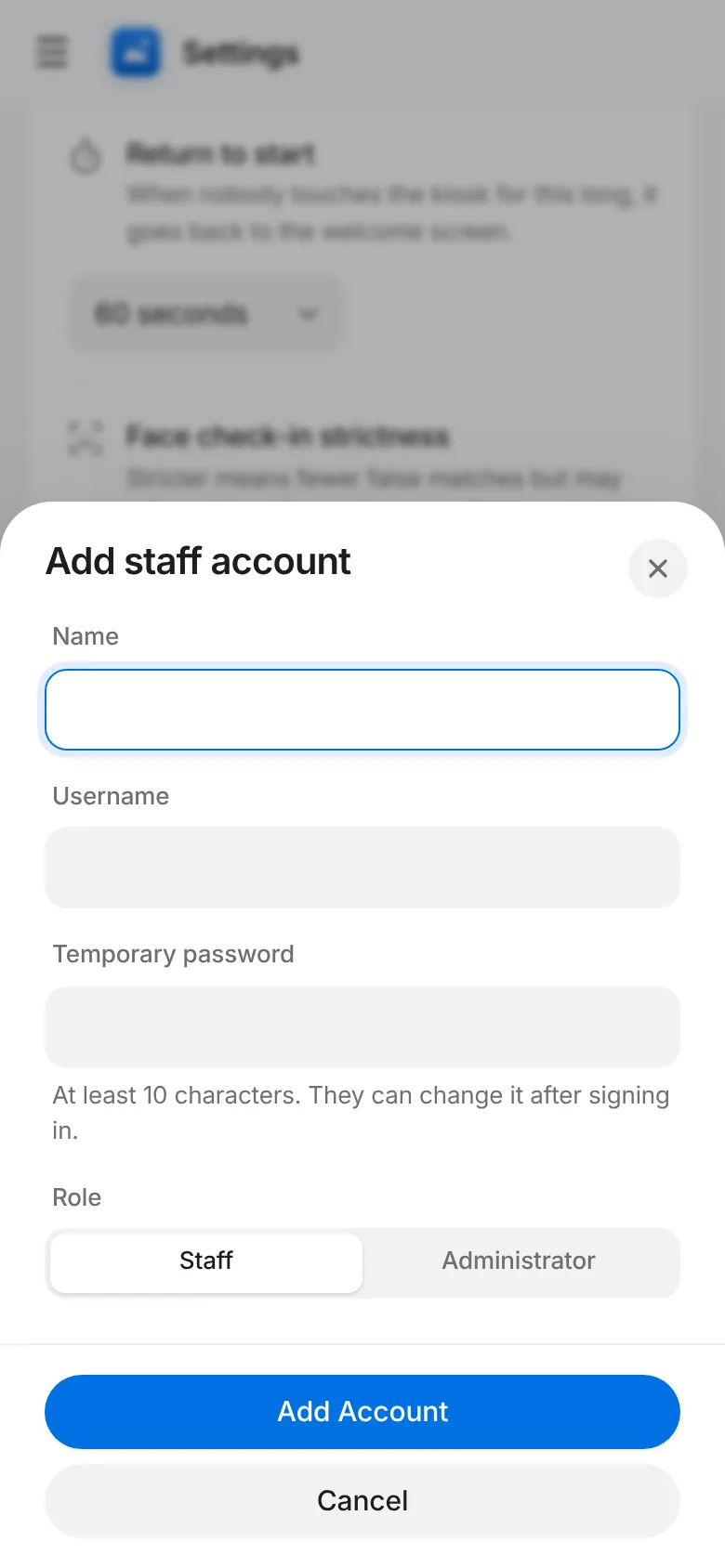
Settings → Staff accounts: add a login for each staff member.
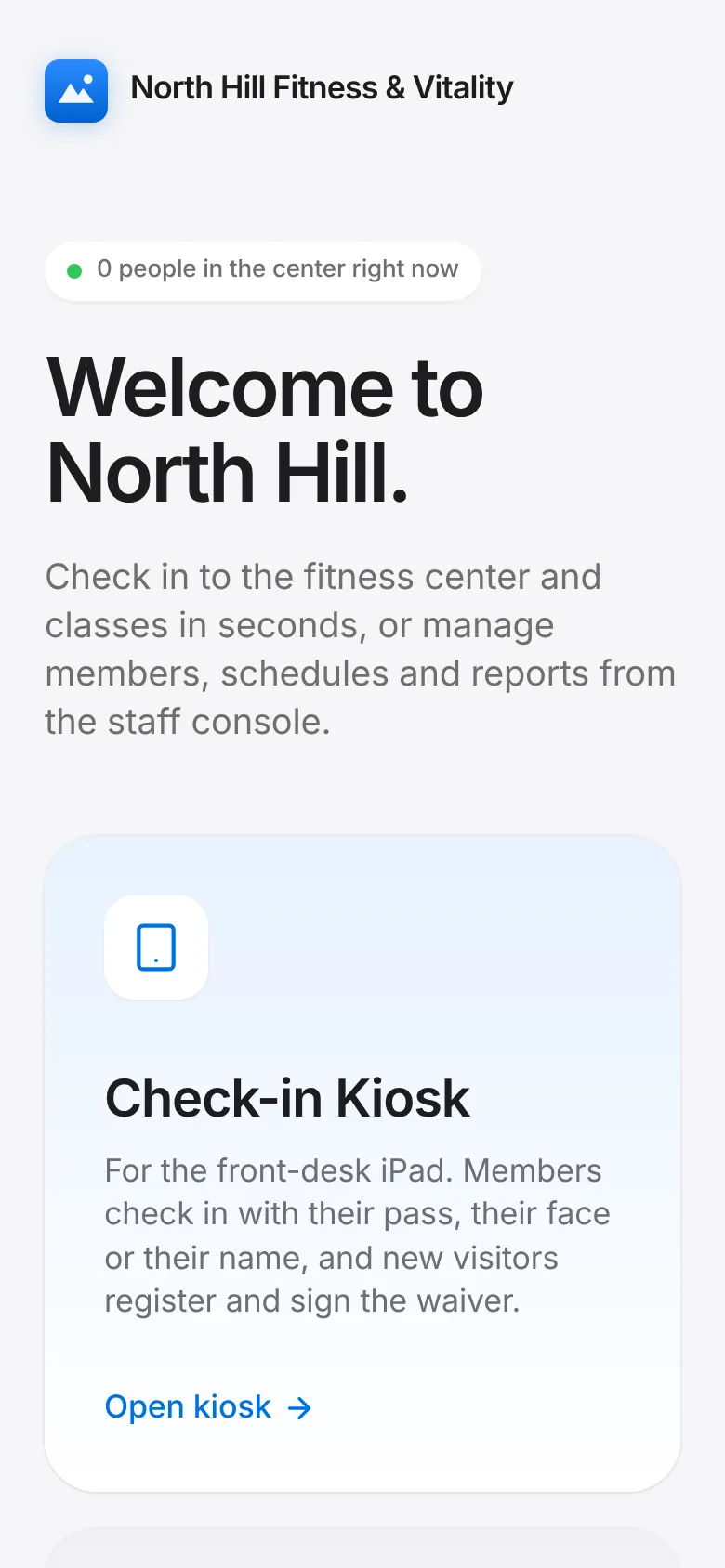
Put the iPad on the front desk, open the app and tap Check-in Kiosk.