CoreFitness
Set automatic check-out, kiosk timeout and face strictness
Who this is for: Admin
Admin
Tap Settings → Kiosk.
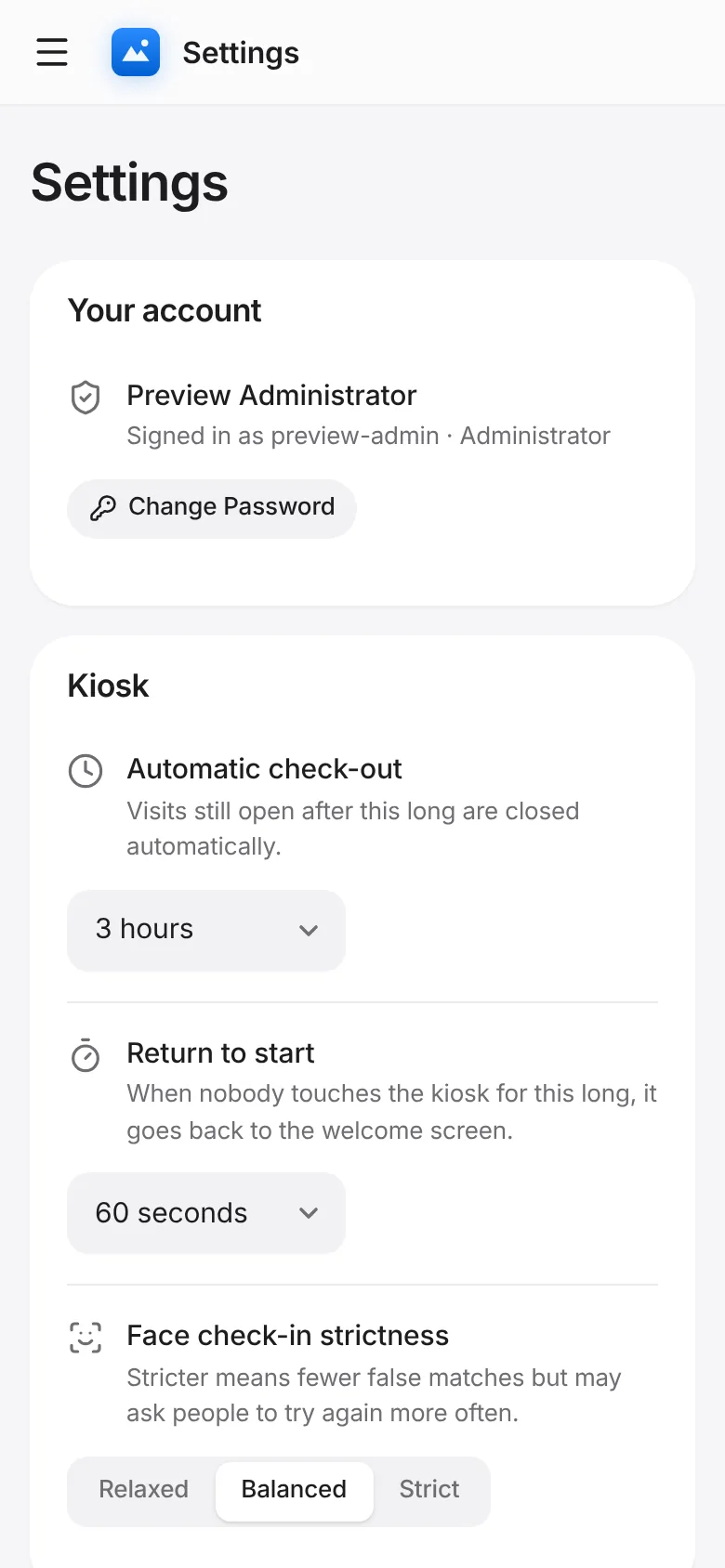
Automatic check-out: visits still open after this long are closed. Return to start: how long the kiosk waits when nobody touches it.
Face check-in strictness: Relaxed, Balanced or Strict. Stricter means fewer false matches but more “try again”. Changes save immediately.