CoreFitness

Sign in to the staff console

Who this is for: Staff, Admin

StaffAdmin
  1. Open the CoreFitness address and tap Staff Console, or go straight to /admin.
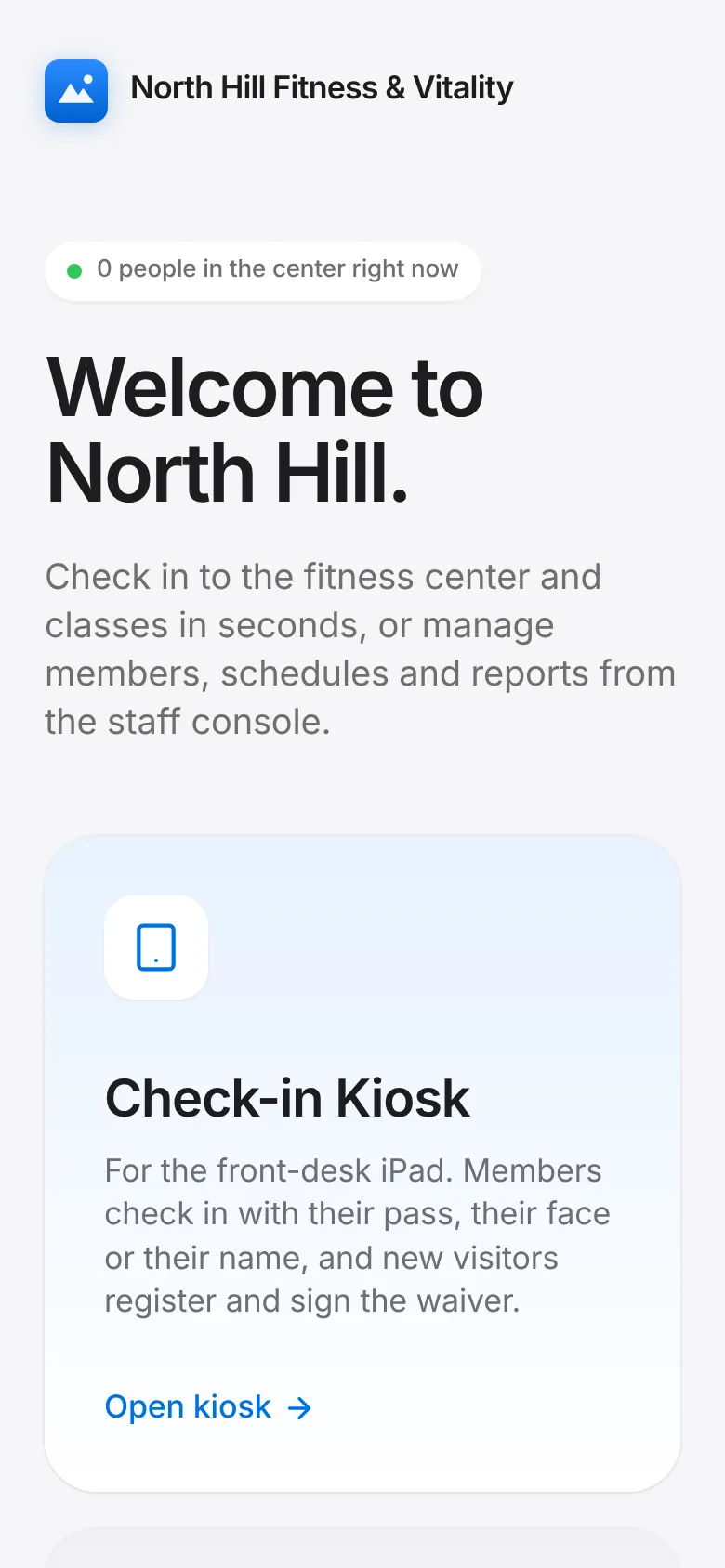
    CoreFitness: Open the CoreFitness address and tap Staff Console, or go straight to /admin.
  2. Enter your username and password and tap Sign In.
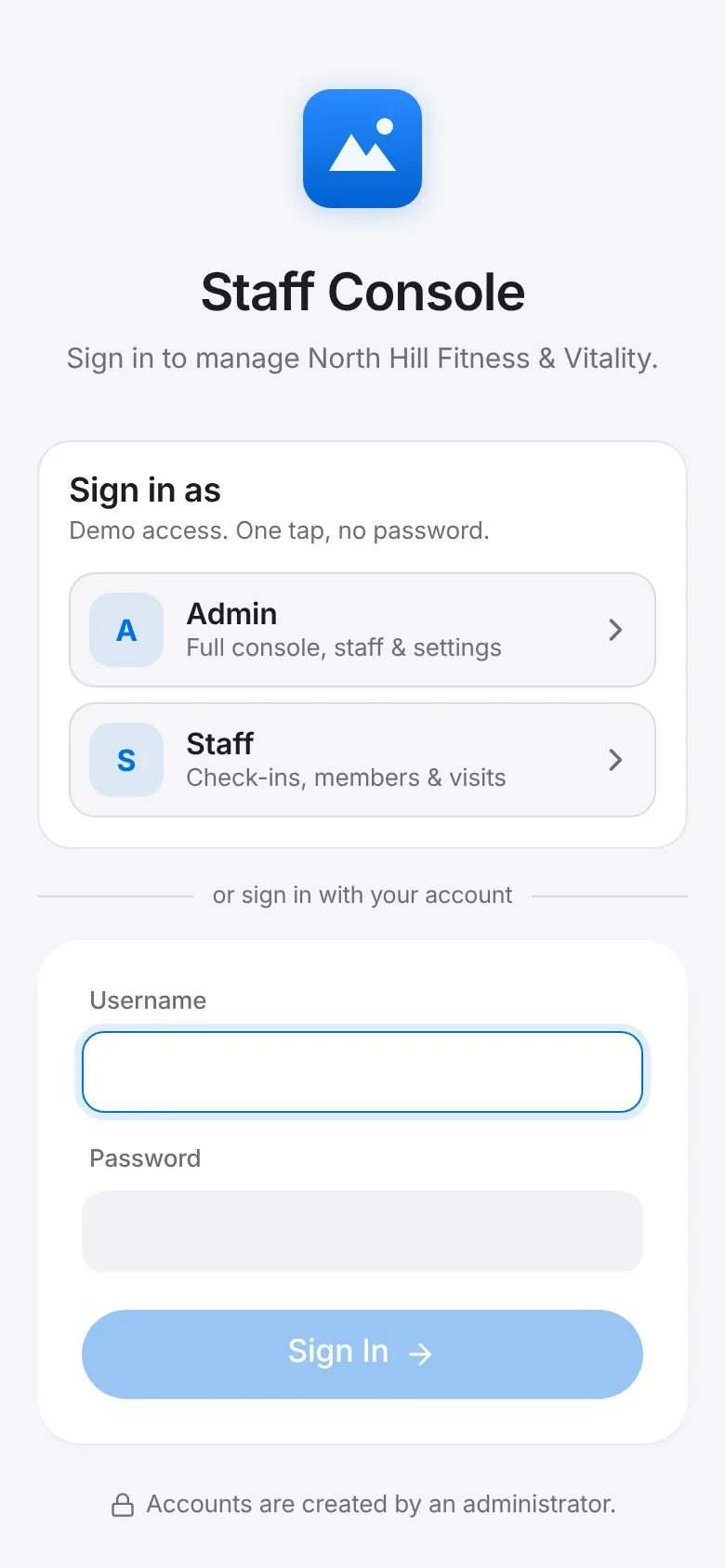
    CoreFitness: Enter your username and password and tap Sign In.
  3. On a phone, tap the menu button at the top to move between Overview, Members, Visits, Activities, Reports, Documents and Settings. Sign out is at the bottom of the menu.
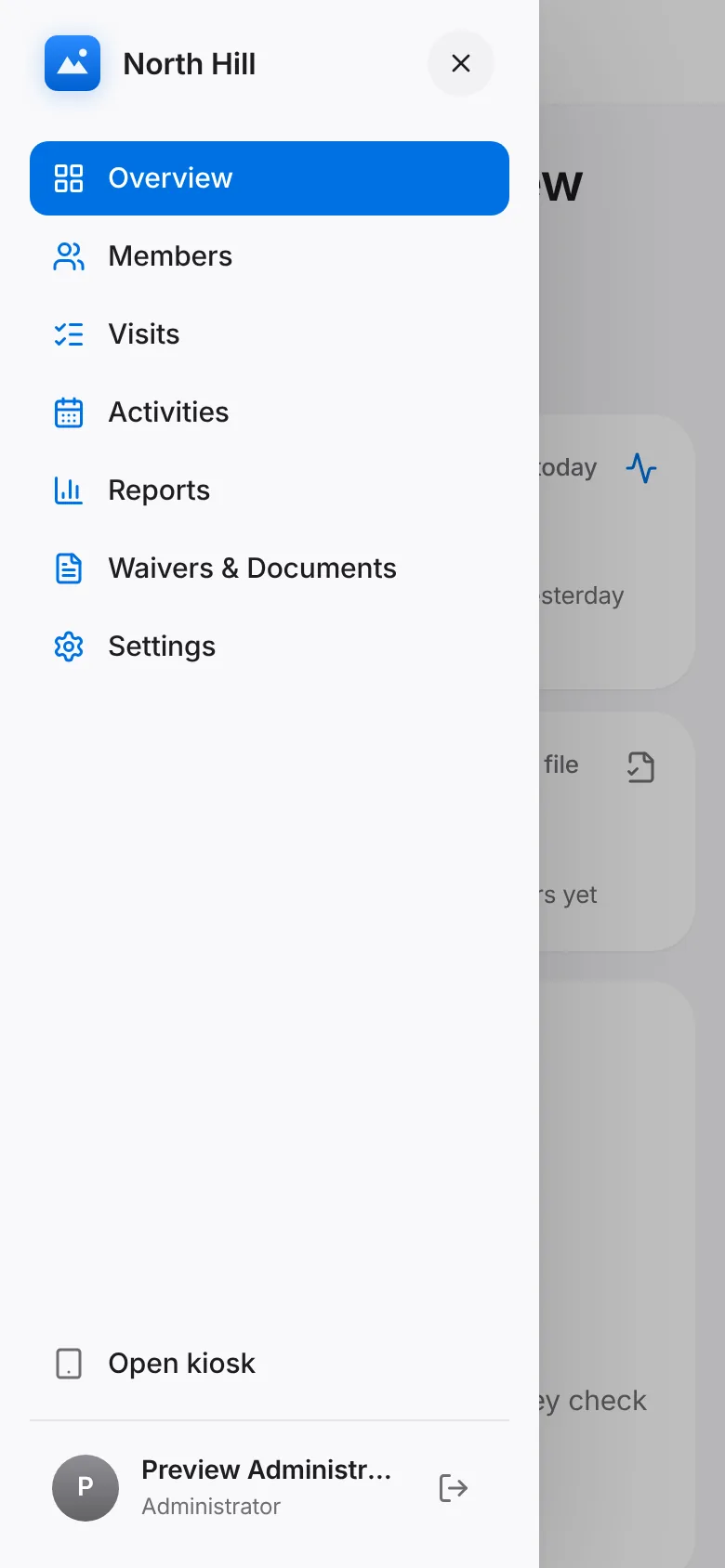
    CoreFitness: On a phone, tap the menu button at the top to move between Overview, Members, Visits, Activities, Reports, Documents and Settings. Sign out is at the bottom of the menu.

All CoreFitness guides   CoreFitness FAQ